Elevate Pay is now SOC 2® Type I Compliant
✕




You can withdraw Upwork earnings to a Philippine bank in PHP or use an eligible USD payout method. Direct to Local Bank costs $0.99. Direct to U.S. Bank costs $2.99 for freelancers whose tax address is outside the US.
If you earn from more than one platform, start with our complete guide on how Filipino freelancers get paid, which compares all the major options side by side.
How Upwork payments work before you can withdraw
Before money reaches your available balance, it moves through a few stages.
Proposal costs and Upwork's contract service fee are separate from withdrawal fees. Start your comparison with the available balance after these charges.
For fixed-price contracts, the client funds a milestone into escrow before you start. When you submit your work and the client approves it, the payment is released to you. For hourly contracts, your tracked hours are billed weekly to the client.
Security period: Released funds are not available immediately. Fixed-price and bonus payments generally become available about 5 days after the client approves them. Hourly payments generally become available about 10 days after the end of the billing week. This hold protects both sides against disputes and fraud.
You can withdraw once funds are available, your tax information is complete, and the payment method is active.
Withdrawal methods Upwork supports for Filipino freelancers
Your Get Paid settings show the methods available to your account. These are the main bank and wallet routes to compare.
Direct to Local Bank: Upwork's Direct to Local Bank guidance lists a $0.99 withdrawal fee and delivery within four business days. USD is converted to PHP at the rate shown for the withdrawal.
Direct to U.S. Bank (ACH): Upwork's Direct to U.S. Bank guidance lists a $2.99 fee for freelancers with a non-US tax address, effective September 1, 2026, and delivery in two to five business days. The method remains free for a US tax address.
This is the method you use with a USD account like Elevate Pay.
USD wire transfer: Upwork charges $50 per wire, with possible intermediary and receiving-bank fees. For Elevate Pay, use Direct to U.S. Bank (ACH), not a wire.
PayPal and Payoneer: Upwork describes a small per-transfer fee without publishing a fixed amount. The fee appears on your withdrawal screen. Our Philippines fee guide records about $2 for each. PayPal payouts are usually instant but can take up to 24 hours. Payoneer payouts typically arrive within 24 hours.
Fee and speed comparison
Method | Upwork fee | Typical arrival | Currency you receive |
|---|---|---|---|
Direct to Local Bank | $0.99 | Within 4 business days | PHP |
Direct to U.S. Bank (Elevate Pay) | $2.99 (eligible Elevate Pay users can earn it back) | 2–5 business days | USD |
USD Wire Transfer | $50 | Several business days | USD |
PayPal | About $2 | Usually instant, up to 24 hours | USD in PayPal |
Payoneer | About $2 | Usually within 24 hours | USD in Payoneer |
The bank figures come from Upwork's linked help pages. Wallet fees are approximate figures from our Philippines fee guide. Use the charge shown in your account. That guide also covers conversion and receiving-provider costs.
Step by step: Direct to Local Bank
Step 1: Add your bank account
Open Account settings on desktop or Settings in the app, then Withdrawals (called Get Paid in some help pages). Under Withdrawal methods, select Add a method and Direct to Local Bank. Select the Philippines and enter your bank account details.
Step 2: Check your name carefully
Use the account holder name that matches your real, verified name on Upwork. If the names differ, contact Upwork support before withdrawing.
Step 3: Wait for activation
For security reasons, a new withdrawal method becomes active after three days. Plan ahead if you need money soon.
Step 4: Withdraw
Once the method is active and your funds are available, select it in Withdrawals, enter the amount and submit. Allow up to four business days. If the payment is late, contact your bank. Upwork can trace it after eight business days.
Step by step: withdrawing via Elevate Pay
This route keeps your money in USD, so you decide when to convert.
Step 1: Open a free Elevate Pay account
Apply through the Elevate Pay app and complete verification. The Philippines account-opening guide explains the ID, address and income documents and identity checks.
Step 2: Copy your account details
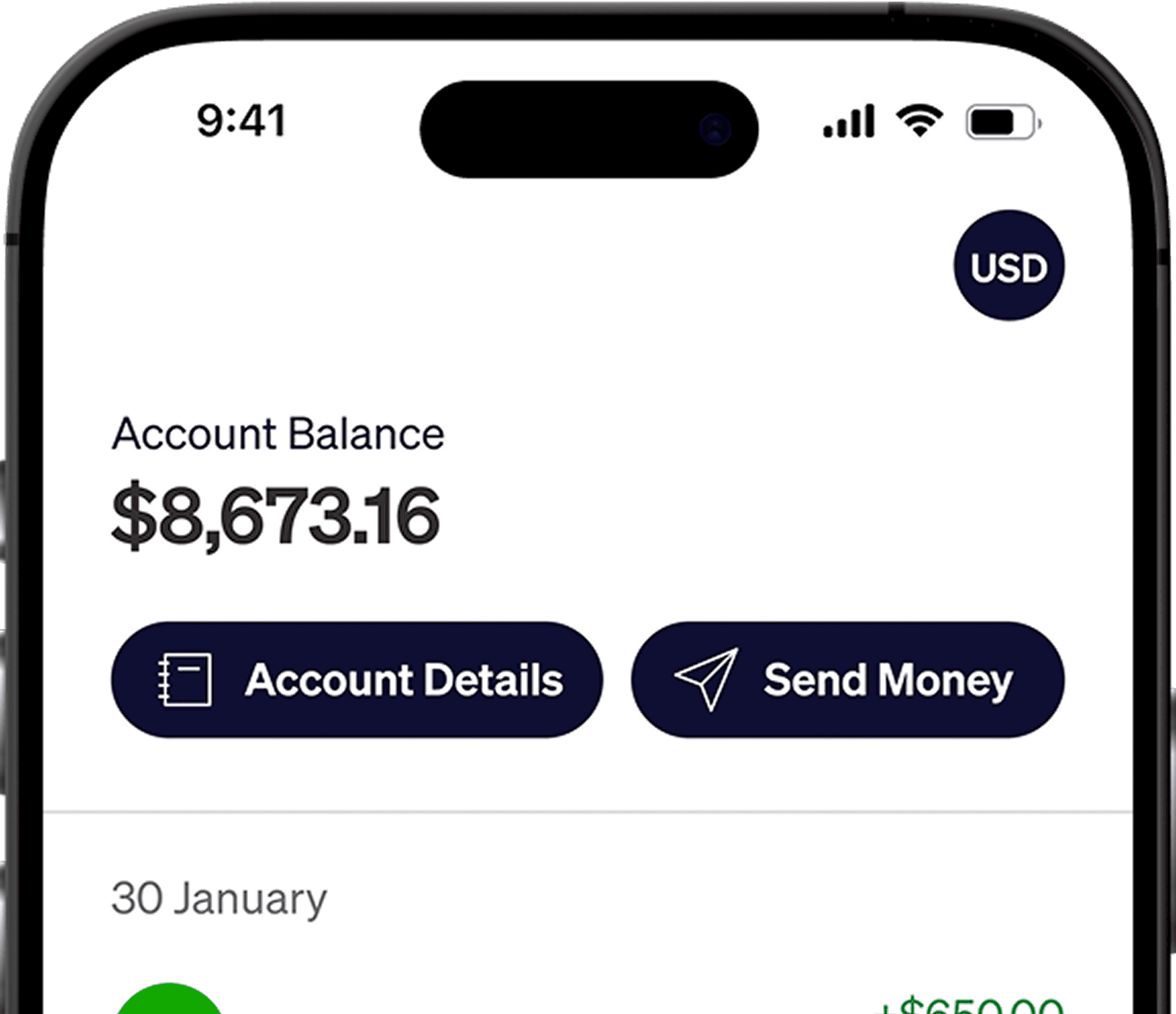
In the Elevate Pay app, open your account details and copy your account number, ACH routing number and account holder name.
Step 3: Add Direct to U.S. Bank on Upwork
Follow Upwork's US-bank setup instructions: open Account settings on desktop or Settings in the app, then Withdrawals. Under Withdrawal methods, select Add a method, then Set up next to Direct to U.S. Bank. Enter your Elevate Pay details and choose your payment schedule.
Step 4: Wait for activation and withdraw
After the three-day activation period, withdraw your available funds. Upwork gives an ACH delivery window of two to five business days. Receiving ACH is free.
Step 5: Send pesos when you need them
In Elevate Pay, choose GCash or your Philippine bank from the available destinations. PHP transfers cost a flat $1.50 fee. Review the recipient details and final PHP amount, then send.
Earn back the $2.99 Upwork fee: To help offset Upwork's new charge, Elevate Pay runs the Upwork Reward Campaign. If you receive at least $500 in total from Upwork into your Elevate Pay account within a calendar month, you get a $2.99 reward credited to your account. You can reach the $500 through one payment or several, and eligible users receive one reward per calendar month.
Elevate Pay is a fintech company, not a bank. Banking services are provided by Merchants Commercial Bank, Member FDIC.
Common Upwork withdrawal problems and how to fix them
Delayed clearing: If your balance shows as pending, it is still in the security period. Check the expected release date in your transaction history. You can withdraw only after funds move to your available balance.
Name mismatch: If your bank or provider rejects a payment, compare the account holder name with your verified Upwork name character by character. Contact Upwork support if your withdrawal method was flagged.
Currency conversion: Direct to Local Bank converts your earnings to PHP. Compare its final peso amount with receiving USD through ACH and converting in Elevate Pay, using the same starting balance and time.
Minimum withdrawal amounts: Direct to Local Bank has a minimum of $5 or higher depending on your location. Small, frequent withdrawals also multiply flat fees, so fewer, larger withdrawals usually cost less.
Wrong bank details: Check the account number and ACH routing number against the details in the app. Contact Upwork support for a rejected payout method or Elevate Pay support in the app for help with an incoming transfer.
Frequently asked questions
What is the cheapest way to withdraw from Upwork in the Philippines?
Direct to Local Bank has the lowest listed Upwork withdrawal fee at $0.99. Elevate Pay is worth comparing for larger USD payments: receiving at least $500 from Upwork in a calendar month earns one $2.99 reward, and a PHP transfer costs a flat $1.50 fee. Compare the final pesos for your amount. Each additional Upwork withdrawal still has its own fee.
Can I withdraw Upwork earnings directly to GCash?
GCash is not listed as a direct Upwork payout method. Depending on your available methods, you can receive earnings in PayPal or Payoneer and then use GCash's linked-account cash-in. See PayPal to GCash or Payoneer to GCash.
Do I need a US address to use Direct to U.S. Bank?
Use a US account in your own name and keep your actual country and tax address on Upwork. Do not enter a US residential address to bypass fees or verification.
Set up your withdrawal method
Add and activate your preferred method before your next payout. If you also use other marketplaces, see our guides on withdrawing Fiverr earnings and withdrawing from Freelancer.com.


Recent Articles



DO MORE WITH ELEVATE PAY
Transfer money with Elevate Pay with low fees and competitive FX rates. Our users love us for transparency, security and more.