
Toptal pays in USD, so your final rupee amount depends on the Pay Portal route available to you, its fee and where conversion happens. If your receiving service caps rupee transfers, a larger monthly invoice can trigger a second flat fee.
To see how Toptal sits against the other platforms Sri Lankan freelancers use, see our complete guide on how Sri Lankan freelancers get paid.
Compare the full Toptal payout cost
Most withdrawal costs fall into two categories:
Flat fees, a fixed amount per transfer regardless of size.
Percentage costs, including exchange rate markups, which grow with every dollar you move.
The $5,000 cap matters most on this platform. The rupee route compared below caps each transfer at $5,000, so a monthly invoice above that goes home as more than one transfer, each costing its own flat $1.50. For a payment above $5,000, the table below counts the transfers rather than assuming one.
Example: A 2% charge grows with the payment amount, while the flat fee only steps up when you cross a multiple of $5,000. This table sets those against each other before any platform charges or exchange-rate differences.
Monthly payment | Example 2% charge | Rupee transfers needed | Flat fee total |
|---|---|---|---|
$1,000 | $20 | 1 | $1.50 |
$3,000 | $60 | 1 | $1.50 |
$6,000 | $120 | 2 | $3.00 |
$10,000 | $200 | 2 | $3.00 |
Calculation: $6,000 goes as a $5,000 transfer plus a $1,000 transfer, so two fees of $1.50. The same holds at $10,000.
Check the final LKR amount as well as the fee. A lower listed charge can be offset by a less favorable exchange rate.
Toptal withdrawal options
Toptal uses a Pay Portal for talent payments. Open it through your Toptal account and follow any activation instructions sent to your email. Toptal's talent FAQ states that payment is in USD and that the payment process is automated, but it does not publish payout methods, fees, minimums or a country list.
Bank transfer: The Pay Portal help pages list one to two business days for funds to reach a bank in North America or Europe, and up to three business days for other destinations. You can set transfers to run manually or automatically.
Prepaid card: The Pay Portal also offers a prepaid card, with delivery of up to six weeks for rest-of-world addresses and a 3% foreign currency conversion fee charged by the card issuer on international use. Any card activation fee is set in your own cardholder agreement rather than published.
USD bank transfer to Elevate Pay: If your Pay Portal offers a US bank transfer for your profile, choose Bank Transfer and add the US account and routing details from Elevate Pay. The Toptal payment route uses ACH, which we receive for free.
Withdrawal fees, currency and timing
The Pay Portal displays Toptal's fee and expected arrival for each method. Include the receiving-provider costs below when weighing routes.
Method | Costs outside the platform | Currency | Timing |
|---|---|---|---|
Bank transfer to a Sri Lankan bank | Possible intermediary and receiving bank fees, plus your bank's conversion margin | LKR or USD, depending on the receiving account | Up to 3 business days for destinations outside North America and Europe |
Prepaid card | The card issuer's 3% foreign currency conversion on international use, plus any activation fee in your cardholder agreement | Card currency | Up to 6 weeks for delivery to rest-of-world addresses |
USD bank transfer to Elevate Pay | Free to receive ACH, then a flat $1.50 fee when you send LKR | USD on receipt. LKR only when you convert | Pay Portal ACH estimate, with a separate estimate for an LKR payout |
Source: Toptal Pay Portal FAQs. Toptal does not publish a per-transfer bank fee, a minimum or a supported-country list, so treat the figure in your own Pay Portal as the only reliable one.
The app shows the final amount and delivery time before you send.
Add Elevate Pay to your Toptal Pay Portal
Step 1: Confirm the USD bank route
Check that your Pay Portal offers a US bank transfer for your Sri Lanka profile. Then open and verify your Elevate Pay account before adding its receiving details. Follow the Sri Lanka account-opening guide.
Step 2: Open the Pay Portal in Toptal
Sign in to Toptal and open Transfer to reach your Pay Portal. If you need access, follow the activation email or ask Toptal support to resend it.
Step 3: Add a new transfer method
Select Add New Transfer Method, choose USD and select Bank Transfer.
Step 4: Enter your Elevate Pay details
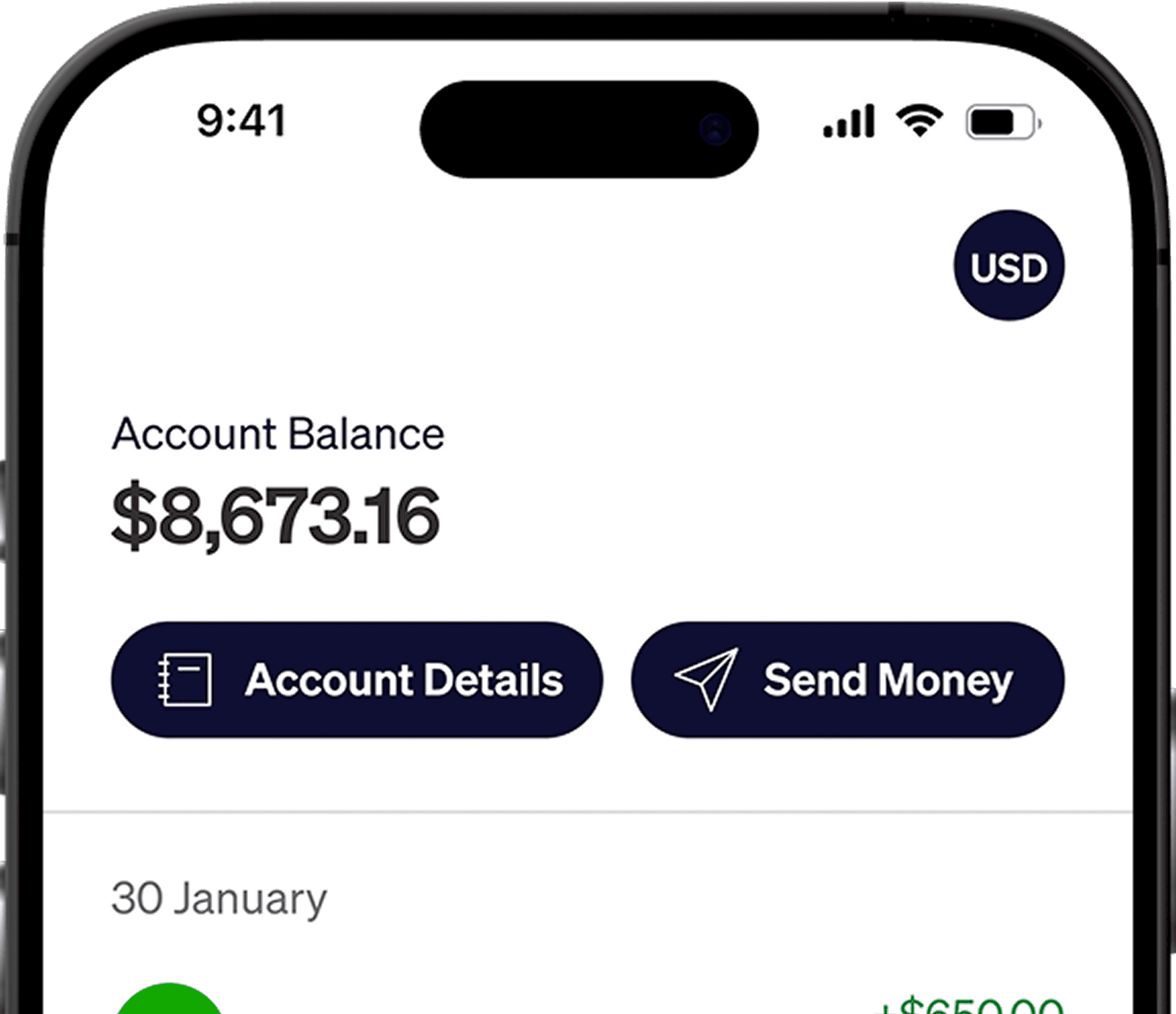
In the Elevate Pay app, tap Account Details and copy your USD account number and routing number. Paste them into the Toptal form, and enter the account holder name exactly as it appears on your verified accounts.
Step 5: Save and confirm
Save the bank details and complete the activation steps sent to your email. Keep the account holder name consistent across both services.
Step 6: Transfer your Toptal earnings
In the Pay Portal, select Transfer to Bank, choose your saved USD bank method and enter the amount. Review the fee and arrival date, then submit. Once the USD arrives, you can send rupees from the Elevate Pay app. Contact support there for help tracing an incoming payment.
Elevate Pay is a fintech company, not a bank. Banking services are provided by Merchants Commercial Bank, Member FDIC.
Manage larger payments
Convert on your schedule: Convert enough for upcoming rupee expenses. You can split conversions across the month, but exchange rates can move against you as well as in your favor.
If you pay for software, courses or equipment priced in dollars, keeping part of your income in USD avoids converting it twice.
Mind the 180-day rule: Sri Lanka's export proceeds Rules require service proceeds to be received in the country within 180 days of providing the service. Holding dollars is permitted, and service earnings are not subject to mandatory conversion, but the repatriation deadline still applies.
Keep your name consistent: Use the same legal name across Toptal, your receiving account and your identity documents. Consistent names help payments clear without extra verification.
Keep records: Save your Toptal payment records and transfer confirmations. They are useful for your own bookkeeping and when declaring your income.
Common Toptal payment problems
Pay Portal access is missing: Check the activation email linked to your Toptal account. If the link has expired, ask Toptal support to resend it before trying to set a payout method.
A US bank transfer is not offered: Toptal does not publish a country-by-method list. Ask Toptal which bank routes your profile supports, and use only a method shown in your Pay Portal.
The transfer is late or the amount differs: Check the method's fee and arrival estimate in the Pay Portal, then keep the confirmation number for Toptal support. If the USD transfer reached Elevate Pay but is not credited, contact support in the app.
Frequently asked questions
Can I receive Toptal payments in USD in Sri Lanka?
Toptal states that payment is in USD. If your Pay Portal offers a US bank transfer for your profile, the route to Elevate Pay lets you receive dollars and convert later. To hold dollars in Sri Lanka instead, you can send USD from your Elevate Pay account to a local foreign currency account for 1% of the amount, minimum $5, with the same $5,000 per transfer maximum. Sending rupees instead costs a flat $1.50. If you want to hold dollars locally, weigh both.
Check your Pay Portal
Add the bank method before your next payout and keep the transfer confirmation. For the general USD setup, see our Toptal Pay Portal guide. For more platform guides, see how to withdraw money from Upwork and how to withdraw PeoplePerHour earnings.
How we checked this
We checked Toptal's talent FAQ and its Pay Portal help pages on 21–22 September 2026. Toptal publishes no payout fee, minimum or supported-country list, so those gaps are stated rather than filled. The prepaid-card conversion fee is the card issuer's, not Toptal's. Fee examples are illustrative and no test transfer was performed. The figure in your own Pay Portal is the one that applies. Our pricing help article lists the quoted FCY transfer price, and you can see the exact fee in our app before you send.


Recent Articles






DO MORE WITH ELEVATE PAY
Transfer money with Elevate Pay with low fees and competitive FX rates. Our users love us for transparency, security and more.