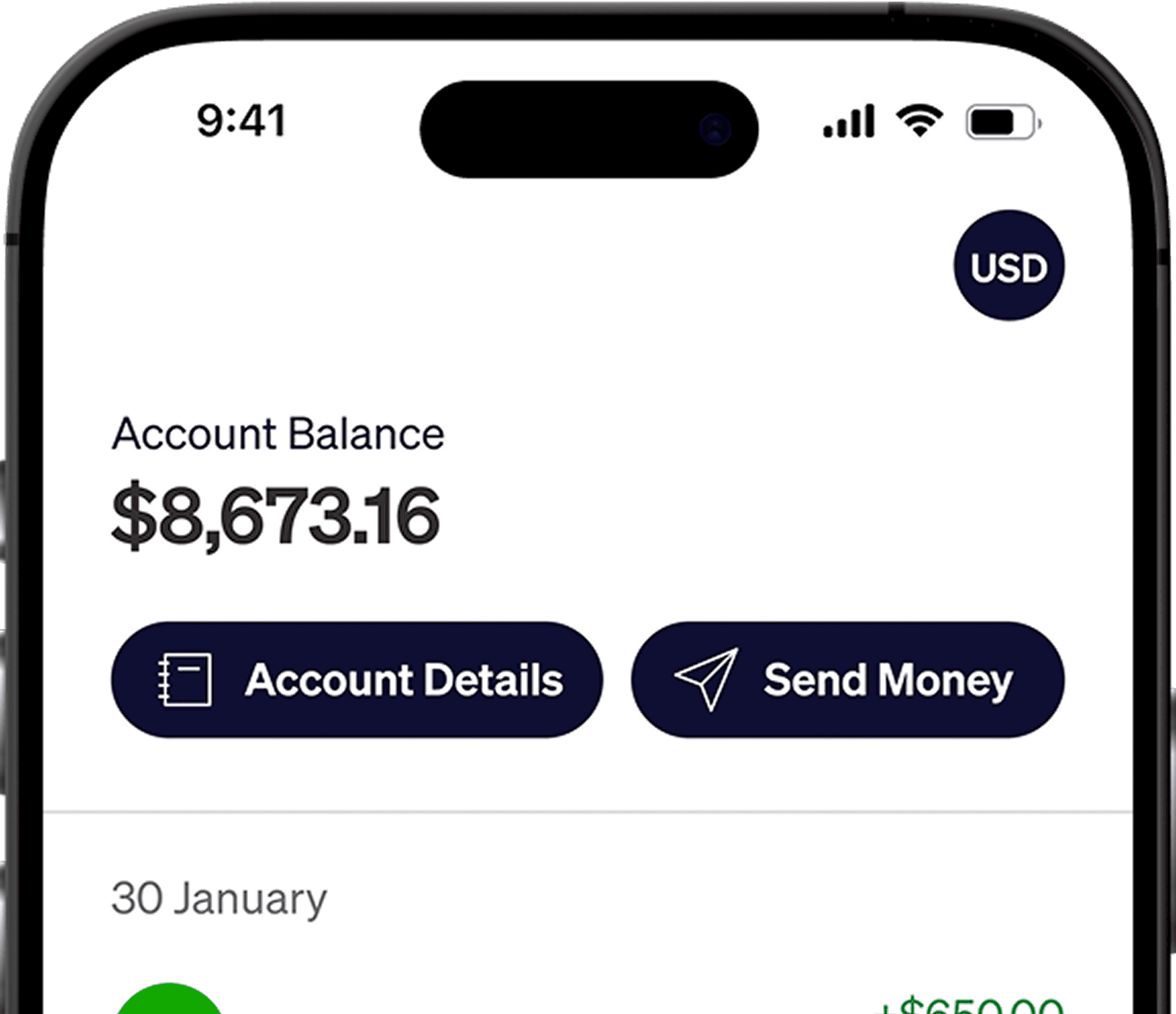

Your client sends Gusto contractor payments to your saved bank account. There is no marketplace balance to withdraw. Gusto lists Sri Lanka for both a local bank account in rupees and a US bank account in dollars, so the account you provide decides the currency you receive.
Choose the payment route with your client
Ask your client which payment route will be used and who bears its charge. Use your Sri Lankan bank details for a local rupee payment or your Elevate Pay US details for a USD bank payment. Check Gusto's payment preview together before the first transfer.
An independent contractor arrangement has different obligations from employee payroll. Keep your agreement and invoices, and check your own Sri Lankan registration and tax requirements.
How Gusto sends international contractor payments
Your client adds you and sends a secure onboarding invitation. Their Gusto account must first have a fully set-up US contractor on a contractor-only plan, or a US employee on other plans, before it can pay non-US contractors.
Sri Lankan local bank payments arrive in rupees. Payments to a US bank account arrive in dollars. Choose the right receiving account before your client submits the payment.
For LKR, provide your Sri Lankan bank account details through Gusto's secure onboarding process.
For USD, provide the account number, ACH routing number and account holder name shown in Elevate Pay.
Complete the tax form requested during onboarding. A non-US individual may be asked for Form W-8BEN, which documents foreign status for relevant US withholding and reporting purposes. Follow the instructions for your circumstances.
Timing: Gusto says non-US contractor payments typically arrive five to ten business days after the debit date. Ask your client for the payment's estimated arrival date in Gusto's payment summary.
Gusto international contractor payment fees
The table shows the two destinations in Gusto's Sri Lanka country row and the fees in its payment-cost summary. These are guide figures, not a quote for your payment. Gusto gives different figures in its wire sections, explained below. Before your client submits payment, ask them to check the selected route, who pays the fee and your final credit in the live preview.
Payment route | Published payment fee | Typical timing | What you receive | Conversion cost |
|---|---|---|---|---|
Local Sri Lankan bank account | Summary: 1.5%–2%. See wire minimum note below | 5–10 business days | LKR | Fees and markups are included in Gusto's displayed exchange rate |
US bank account through ACH | $5 per payment | Typically 5–10 business days. See payment estimate | USD | Free to receive by ACH. A flat $1.50 fee to send LKR, maximum $5,000 per transfer |
About these figures: Ask your client to check the actual route and fee in the payment preview. Gusto's guide does not fully reconcile its fee sections. Its summary lists 1.5%–2% for local-currency payments. Its sections on paying a non-US contractor list a $15 minimum under $1,000 in most countries and 1%–1.5% for larger payments. Those wire figures should not be assumed to apply to every local LKR payout.
Other limits: The minimum payment is $25, with higher minimums in some countries. Gusto also lists a fee for eligible digital wallets, and availability for Sri Lanka must be checked in the contractor's profile.
Check whether your account type is supported: Gusto's country table carries a note that some destinations accept individual accounts only and do not support business accounts. Its guide does not make clear whether that note reaches the Sri Lanka rows, so ask your client to confirm before you invoice through a registered business rather than in your own name.
Examples: On $1,000, the US-bank fee is $5, while the summary's local-currency percentage is equivalent to $15–$20. If a $300 payment uses the international-wire terms above, the $15 minimum equals 5% of the payment. These are payment-cost examples, not guaranteed deductions from your invoice. Ask your client to confirm who pays the fee and your final credit. Gusto includes fees and markups in its quoted exchange rate, so do not subtract them twice.
Add Elevate Pay as your Gusto payment account
Step 1: Open a free Elevate Pay account
Follow the Sri Lanka account-opening guide, including the requested identity and supporting documents.
Step 2: Copy your account details
In the Elevate Pay app, copy your account number, ACH routing number and account holder name.
Step 3: Choose USD with your client
Ask your client or payroll team to select the US-bank ACH route and pay in USD. They control payment submission and can see the fee and arrival date.
Step 4: Add your details in Gusto
Add a US bank account through your Gusto onboarding invitation or payment profile, using the details from Elevate Pay and the same account holder name. To change an existing destination, your client can open People, select your profile and request an update to your bank account information.
Step 5: Complete the requested tax form
Complete any required tax and identity information before the first payment. Use the form appropriate to your circumstances.
Step 6: Review the first payment details
Before submission, ask your client to verify the currency, destination, invoice amount, total fee and amount you will receive. Confirm whether the payment fee is charged separately to the client or deducted from the funded amount.
Step 7: Receive and manage your pay
Receiving ACH is free. Once funds arrive, keep them in USD or send rupees. LKR transfers cost a flat $1.50 fee. The maximum is $5,000 per transfer, so a larger amount goes as more than one transfer. The app shows the delivery time. Remember that service export proceeds must reach Sri Lanka within 180 days of providing the service.
Elevate Pay is a fintech company, not a bank. Banking services are provided by Merchants Commercial Bank, Member FDIC.
Common Gusto payment issues
The payment arrived in rupees instead of USD: Ask payroll to review the saved bank account and payout currency before the next payment. A local-bank payment and a US-bank payment use different routes.
The name does not match: Use the same name on Gusto as on your Elevate Pay account. A mismatch can cause the payment to be delayed or returned.
Routing and account numbers are swapped: Copy the ACH routing number and account number into their matching fields. Do not use wire details for an ACH payout.
Your first payment is on hold: Ask your client whether onboarding, funding or verification is incomplete. For an ACH payment already sent to Elevate Pay, contact our support team in the app with the transfer confirmation.
Frequently asked questions
Why does my Gusto payment look lower than the invoice?
Ask the payroll team for the original payment amount, currency, transfer fee and conversion quote, then compare them with the bank credit. This separates any payment deduction from a currency conversion.
Do I still need to file taxes in Sri Lanka if Gusto has my W-8BEN?
A W-8BEN relates to US withholding and reporting. It does not replace Sri Lankan registration or filing obligations. Keep your invoices and payment records and ask a Sri Lankan tax professional about your circumstances.
Confirm the first payment
Check the first deposit against the currency and amount your client confirmed. If you also use other platforms, read our guides on Deel contractor withdrawals and withdrawing Remote.com payments. For how this sits against the other platforms, see how Sri Lankan freelancers get paid.
How we checked this
We checked Gusto's official contractor guide on September 21–22, 2026. Sri Lanka appears in its country table for LKR and USD. Its payment-cost summary and international-wire sections differ, as explained above. We did not test a payment or confirm who bears bank-route fees. The figures are not a verified quote for a Sri Lankan contractor account; ask your client for the live payment preview and expected contractor credit.


Recent Articles






DO MORE WITH ELEVATE PAY
Transfer money with Elevate Pay with low fees and competitive FX rates. Our users love us for transparency, security and more.