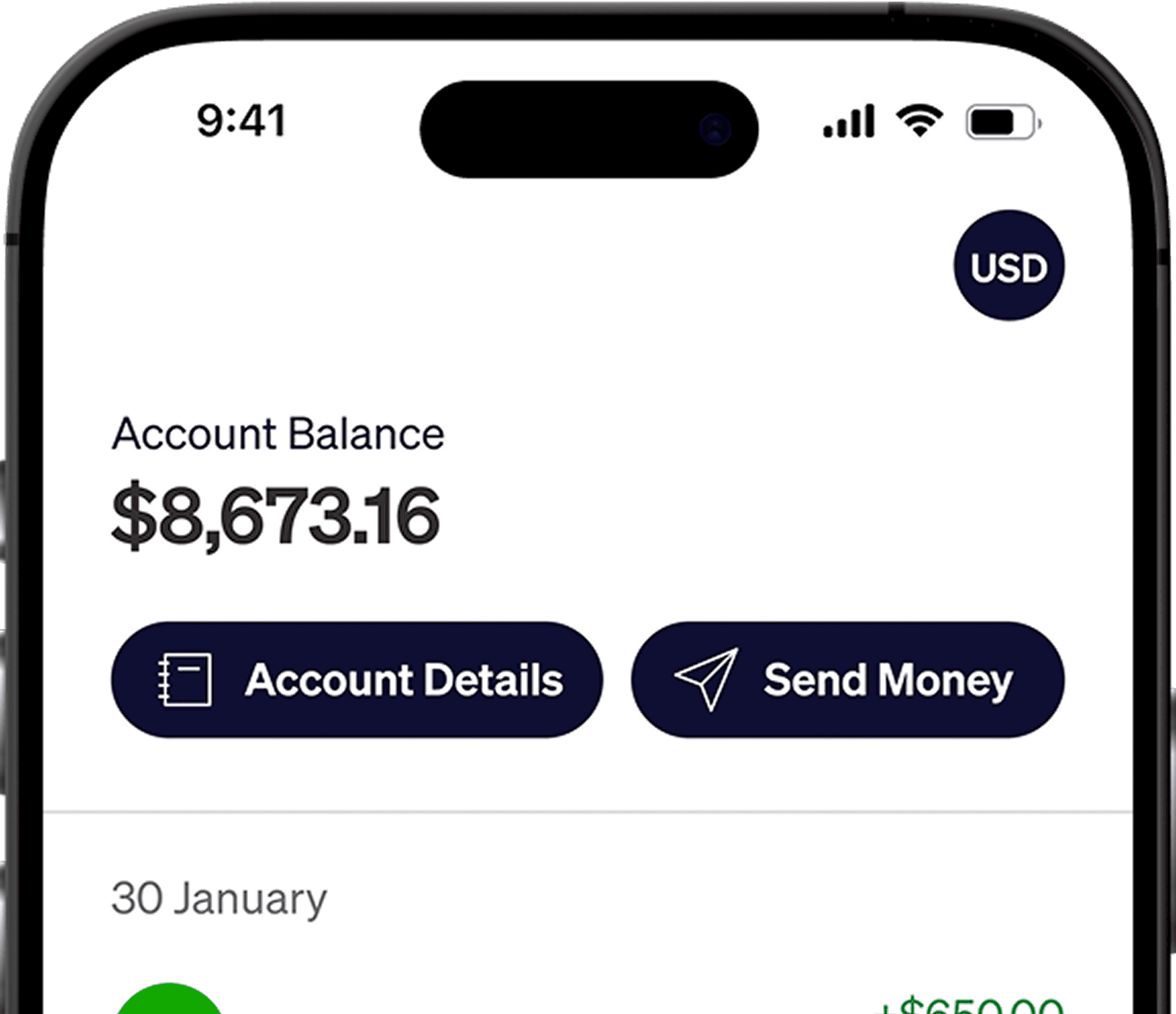
Elevate Pay is now SOC 2® Type I Compliant
✕




Remote sends contractor payments to the deposit method saved in your profile after your client funds the invoice. Check the invoice currency and receiving account before payment to understand the conversion cost and expected arrival.
Contractor payments and employee payroll
This guide covers independent contractors. If you are employed through Remote's Employer of Record service, follow your employment payment instructions and ask your HR contact about your options.
Payment and withdrawal methods available
For contractors, Remote uses the deposit method saved in your profile to decide how each payment is sent. Your options generally include the following.
Local bank account in pesos: You add your Philippine bank account and receive PHP after Remote converts the payment. This takes no setup on your side, but the conversion happens before the money reaches you, at the rate applied by Remote and its payment partners.
USD through a virtual account: Remote's virtual-account guide explains how providers supply local bank details, including US details, which contractors can add to Remote. Eligibility depends on the provider and where you live. Check that Remote accepts your USD receiving details before arranging payment.
Using Elevate Pay: Receive USD through ACH, then convert to pesos when you choose. Our Remote setup guide covers the details. Availability depends on your Remote profile, so check it in Step 1 below.
International USD wire: If your deposit options include an international USD wire, ask the receiving bank about intermediary and incoming charges. Elevate Pay receives ACH transfers, not wires, so do not use this route for that account.
What affects your fees and timing
Remote contractor costs depend less on a fixed withdrawal fee and more on how your invoice is set up and where the money goes.
Invoice currency decides who pays for conversion. Remote explains two approaches:
When payment is in your currency and goes to a matching local bank account, the client covers FX and transaction costs so you receive the agreed target amount. Remote says it passes on its payment provider's charges.
If you invoice in the client's billing currency, such as USD, but receive another currency, the conversion cost can fall to you. Remote's fee guidance says the exchange rate is set when the invoice is created.
Remote's fee rule is that matching client and contractor currencies, paid through a local payout, carry no contractor fee. A USD-to-USD local US payout would fit that rule if available for your account. A later conversion to PHP is a separate step.
Timing: Remote's contractor payment guide says bank delivery generally takes one to three business days after it receives the client's funds. Client funding is a separate stage and varies by method. Check the invoice status before counting the payout window.
Fee and speed table
Route | Who bears conversion cost | Typical timing | What you receive |
|---|---|---|---|
Local Philippine bank (PHP), invoiced in PHP | Client, through Remote's conversion rate | Generally 1–3 business days after client funds reach Remote | PHP |
Local Philippine bank (PHP), invoiced in USD | You, at the rate set at invoice creation | Generally 1–3 business days after client funds reach Remote | PHP |
International USD wire to a PH bank | Provider SWIFT fee plus possible $20–$50 correspondent-bank fees | Estimate for the selected wire route | USD, if the account is in USD |
Local USD payout to accepted US details, if available | No contractor fee if currencies match and Remote treats the payout as local | Use Remote's estimate after client funding | USD |
Source: Remote contractor payment fees. Invoice currency, payout currency and client setup affect the charges. Review your invoice and deposit method together.
Step by step: check and add Elevate Pay details
Step 1: Confirm the route and open your account
Ask Remote whether your profile can receive USD through ACH to Elevate Pay. Once confirmed, follow the Philippines account-opening guide.
Step 2: Copy your account details
In the Elevate Pay app, copy your account number, ACH routing number and account holder name.
Step 3: Open Deposit methods in Remote
Follow Remote's deposit-method instructions: open Deposit methods in your dashboard, then Add deposit method.
Step 4: Add the supported receiving details
Use the USD deposit option confirmed for your profile and enter your Elevate Pay account number, ACH routing number and matching account holder name. The selected bank country must match the actual receiving bank's location. If USD or the required bank destination is missing, contact Remote. Keep your true country of residence on your profile.
Step 5: Complete verification
Complete any bank-account or identity verification Remote requests before the next payment.
Step 6: Confirm your invoice currency
Set both the invoice currency and payout currency to USD with your client if you want to receive dollars.
Step 7: Receive and move your money
After Remote receives your client's funds, track the deposit against its arrival date. Receiving ACH is free. When you need pesos, PHP transfers cost a flat $1.50 fee.
Common setup mistakes to avoid
The saved bank details do not match the details in the Elevate Pay app.
The name in Remote is different from the account holder name.
The routing number and account number are entered in the wrong fields.
The payment is set up as a wire although the receiving account requires ACH. Contact Elevate Pay support in the app if you need help checking the transfer type.
Elevate Pay is a fintech company, not a bank. Banking services are provided by Merchants Commercial Bank, Member FDIC.
Frequently asked questions
I am a Remote.com EOR employee. Can I use a USD account for my salary?
Ask Remote or your HR contact which salary accounts your employment and local payroll arrangements allow. The contractor setup above is for contractor invoices.
Why was my Remote.com payment delayed?
Check the invoice's funding status, receiving details and verification. Remote must receive the client's funds before sending the payout. If the stated arrival date passes, contact Remote with the invoice and payment references.
Check your deposit method
Confirm invoice currency and the supported deposit route with your client before the next payment. For other platforms, read our guides on Deel contractor withdrawals and withdrawing Gusto payments. For a broader comparison, see how Filipino freelancers get paid.


Recent Articles



DO MORE WITH ELEVATE PAY
Transfer money with Elevate Pay with low fees and competitive FX rates. Our users love us for transparency, security and more.