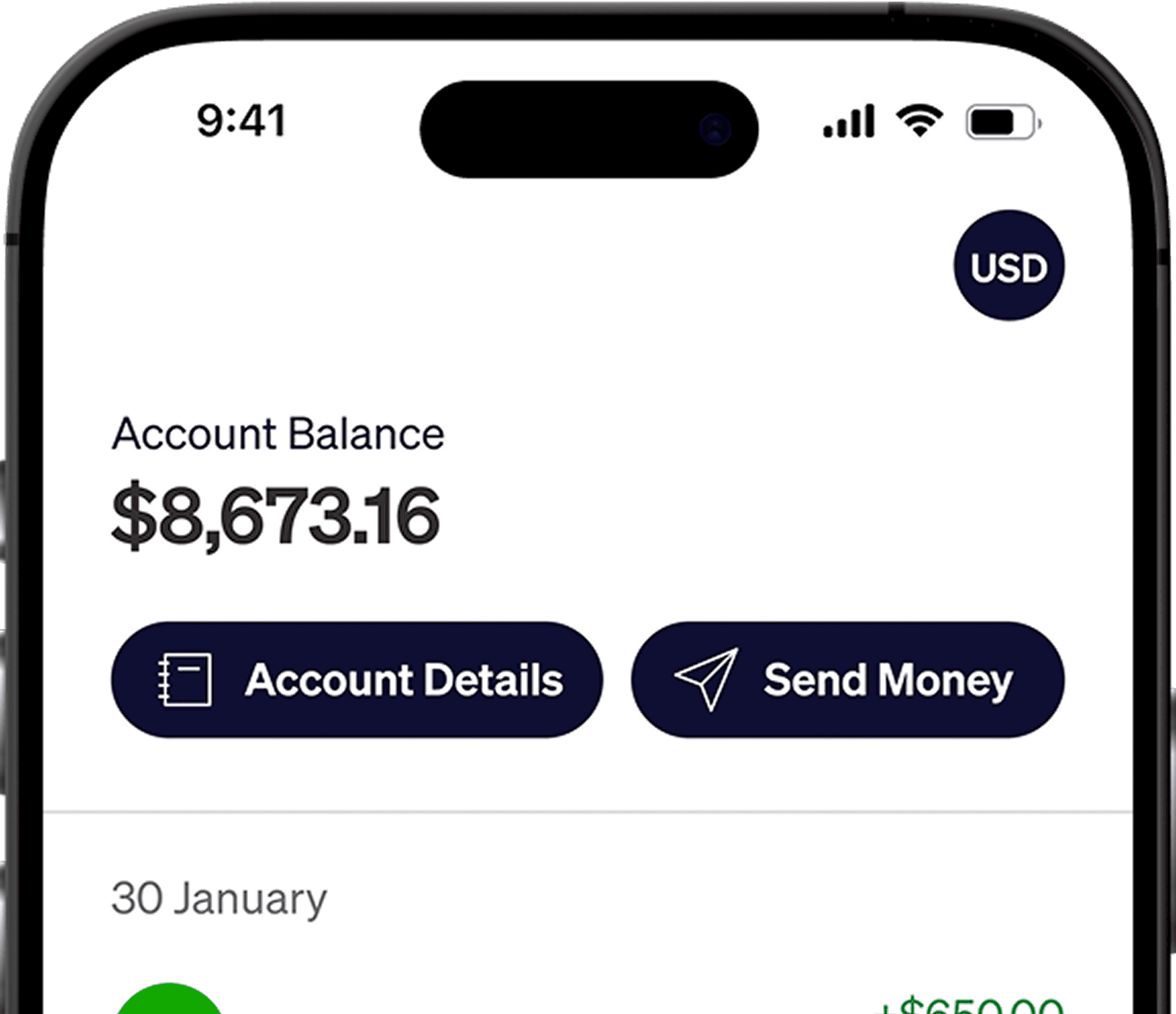




You can now link your Elevate Pay USD account to your Interactive Brokers (IBKR) account in minutes.
Using Plaid allows instant verification — so you can fund your IBKR account faster and start investing without waiting for micro-deposits.
In our previous guide, How to Open an Individual Interactive Brokers (IBKR) Account from Bangladesh, we explained how to create your IBKR account.
If your account is already open, the next step is funding it.
While you can manually link accounts via ACH, using Plaid is quicker, easier, and verifies your account instantly.
Below is a simple step-by-step guide to connect Elevate Pay to IBKR using Plaid and deposit funds.
Step 1: Initiate the Transfer
Start from inside your IBKR dashboard.
Log in to your IBKR account.
From the main menu, go to Transfer & Pay and select Transfer Funds.
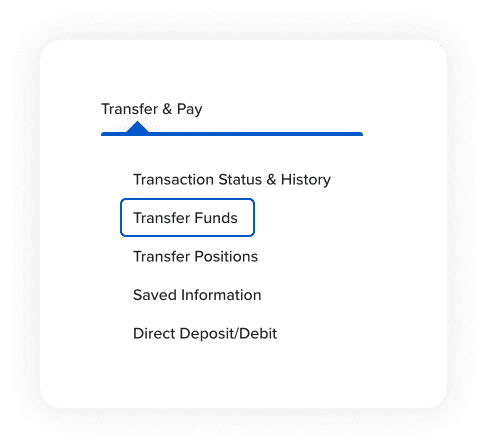
Select Deposit Funds.
Choose Link a New Bank Account.
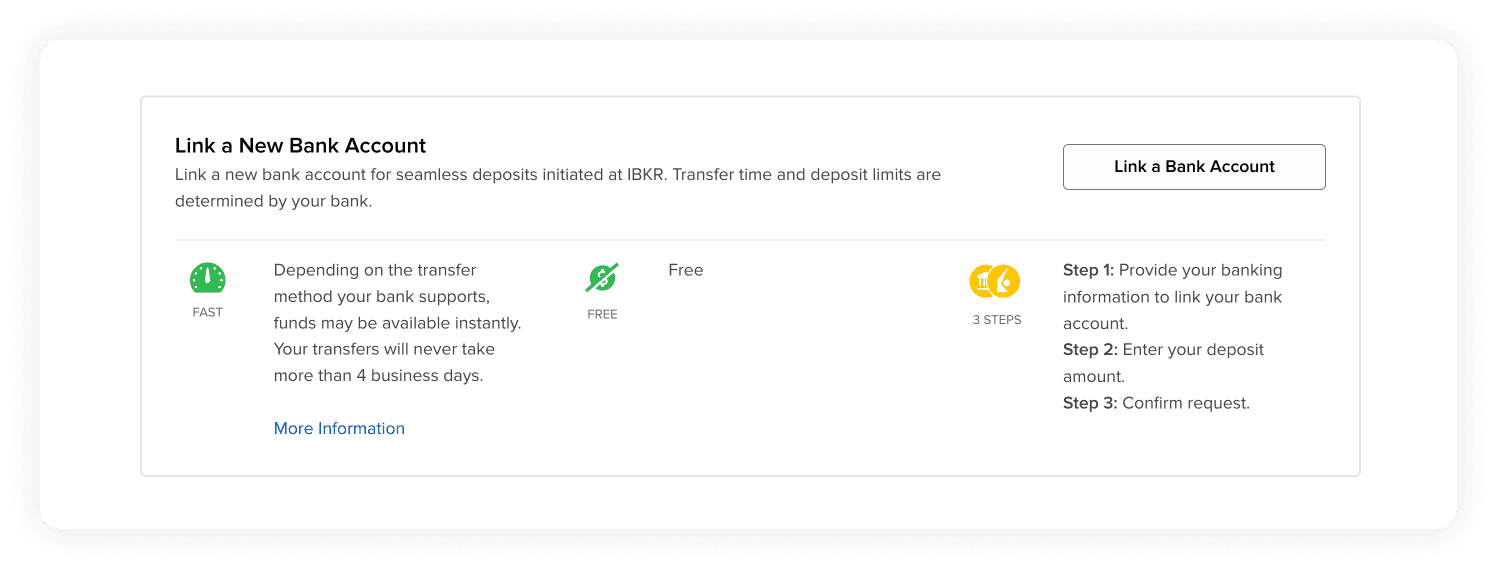
When asked to confirm the bank country, click Yes to confirm your account is held in the United States. Elevate Pay provides you with a US bank account, so this selection is correct.
Step 2: Input Your Elevate Pay Details
Before Plaid launches, IBKR will ask for your bank details.
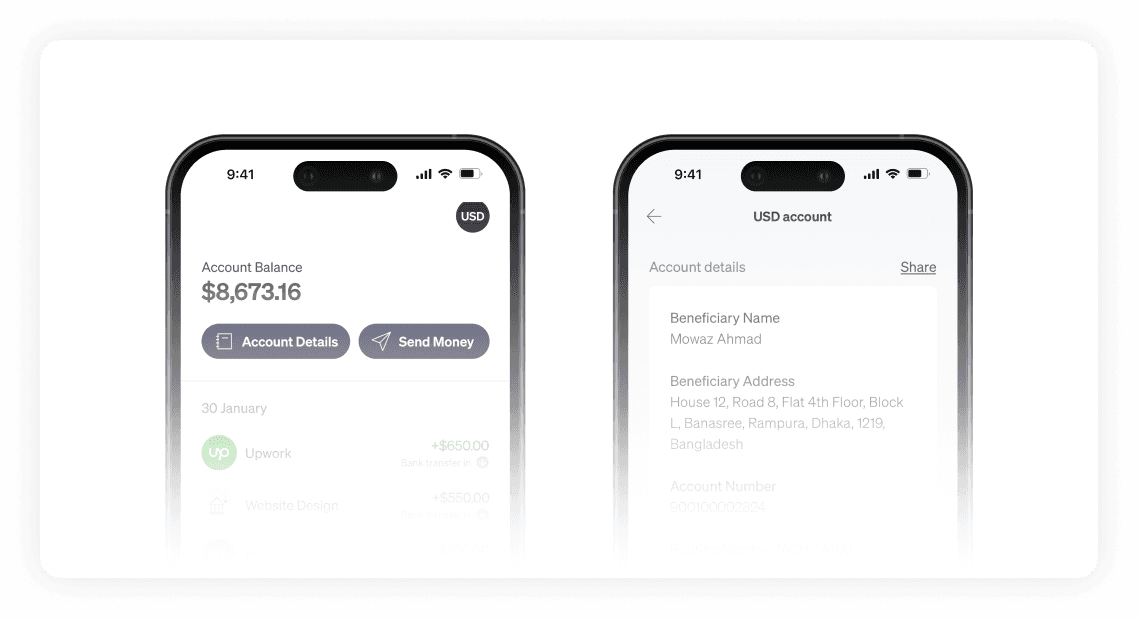
Open your Elevate Pay app and locate your USD account details.
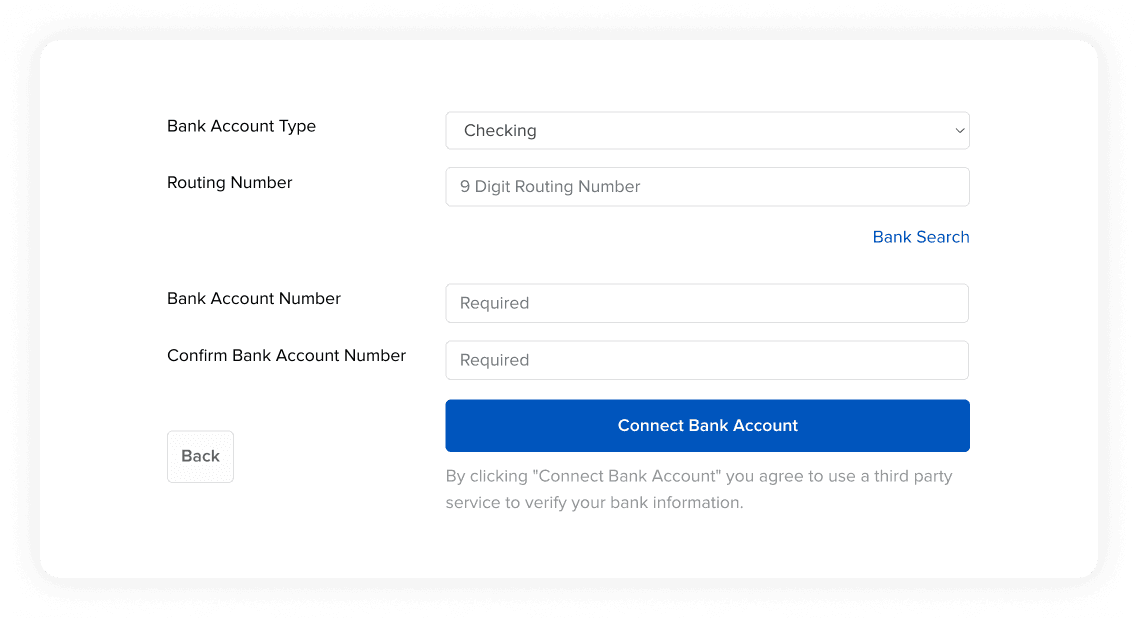
In IBKR, set the Bank Account Type to Checking.
Enter your Routing Number and Bank Account Number exactly as shown in Elevate Pay.
Click Connect Bank Account.
On the verification page, click Connect Account to continue.
Step 3: Verify via Plaid
This is the fastest part of the process.
Instead of waiting 1–2 days for micro-deposits, Plaid verifies your account instantly.
When prompted, select Log in at your bank. This opens the secure Plaid window.
Click Continue. (You may select “Continue without phone number” if you prefer not to link one.)
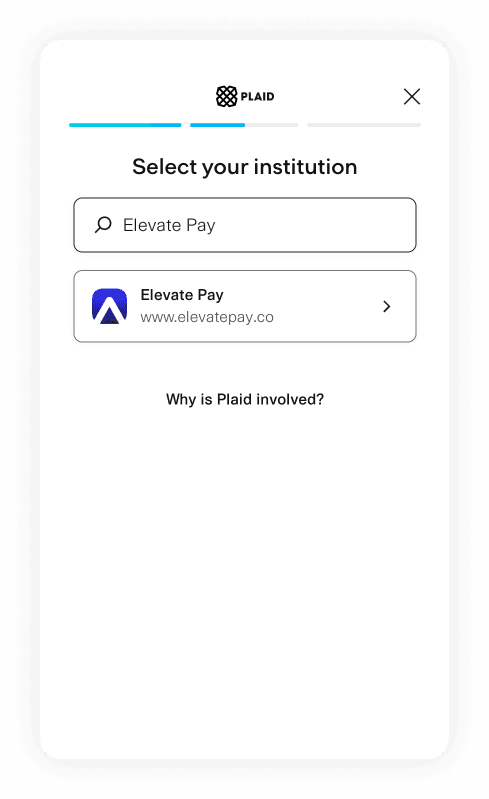
In the search bar under “Select your institution,” type and choose Elevate Pay.
Enter the email address linked to your Elevate Pay account.
Enter the verification code sent to your email.
Select your Elevate Pay account and click Continue.
If prompted to save your data with Plaid, you can choose Finish without saving.
Once completed, Plaid confirms your account ownership instantly.
Step 4: Confirm and Finalize Connection
After verification, you will return to IBKR to complete the linking process.
Review your bank account details carefully.
Type your name in the Signature field.
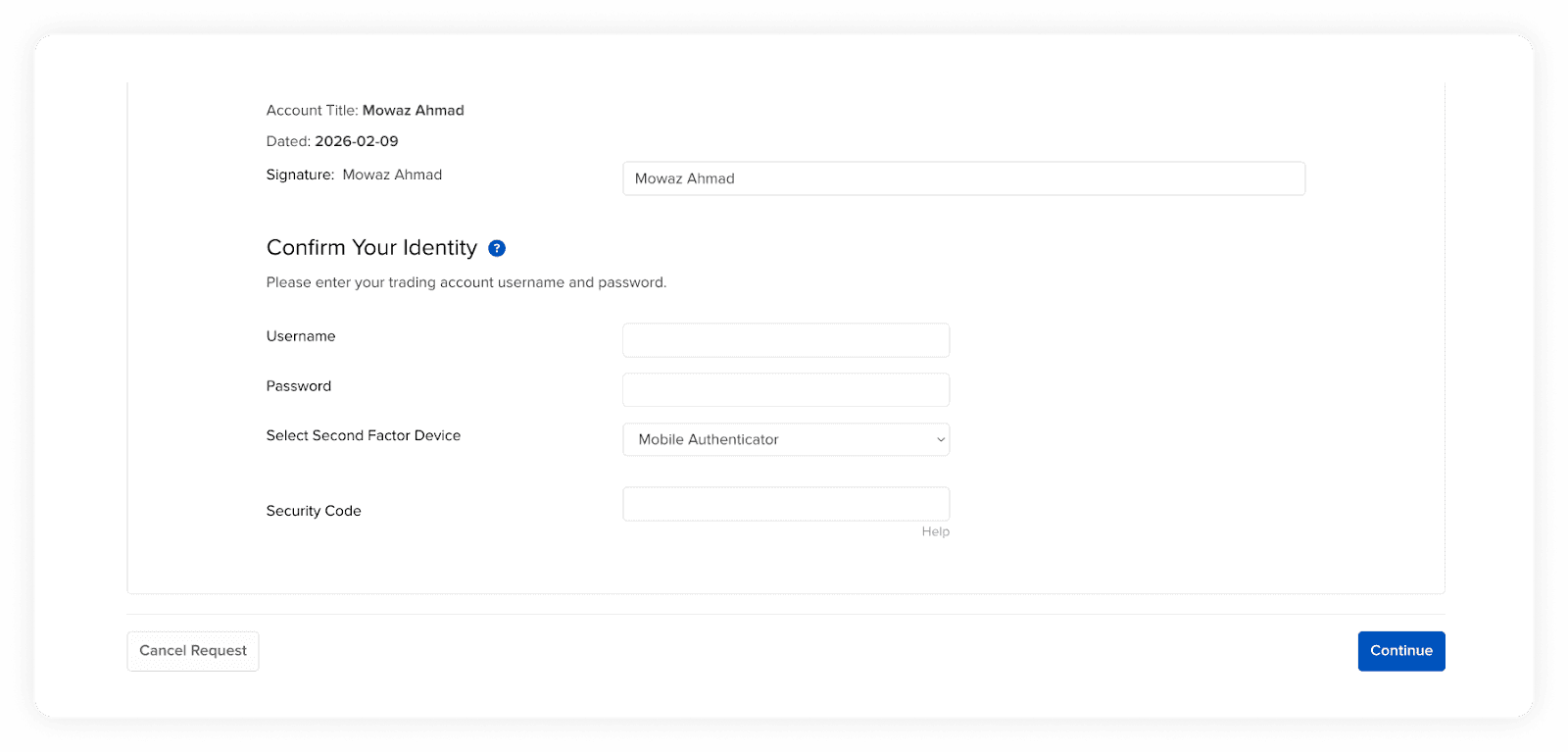
Confirm your identity by entering:
Your IBKR username
Your password
Your Security Code (2FA) from your authenticator app
Click Continue.
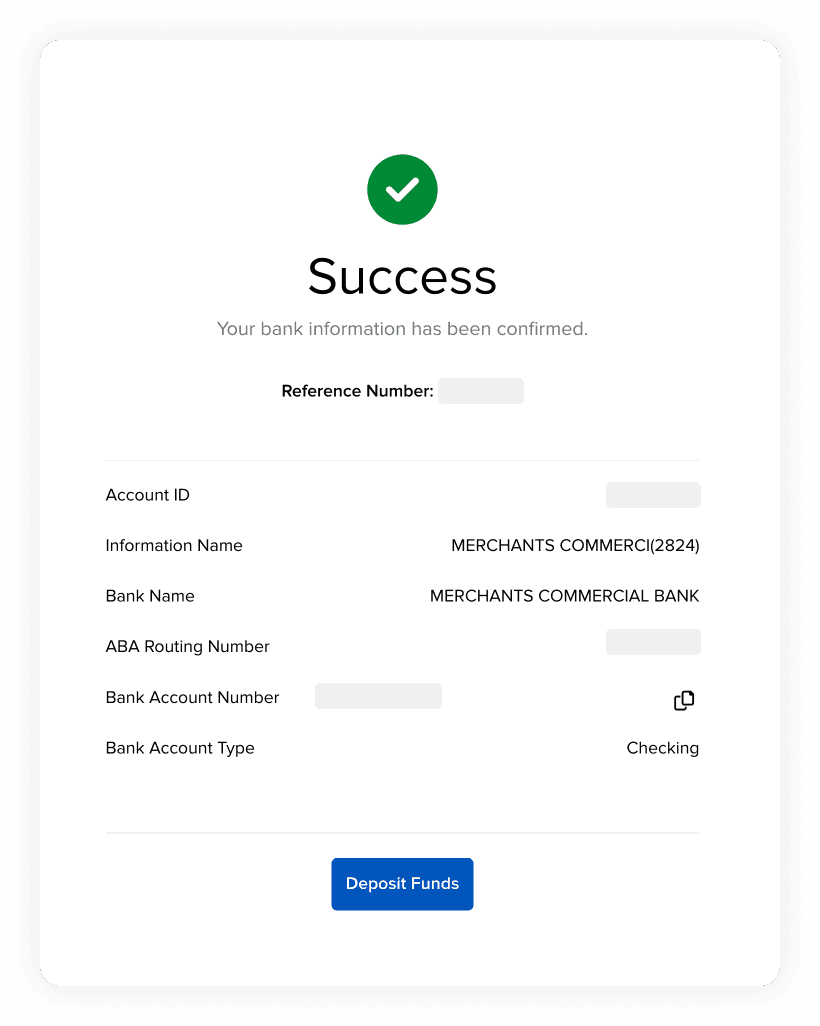
You should see a Success message confirming that your bank account has been linked.
Step 5: Deposit Your Funds
Now you’re ready to transfer money to IBKR.
On the Success screen, click Deposit Funds.
Confirm that the source bank account is your linked Elevate Pay account.
Enter the Deposit Amount (USD) you want to transfer.
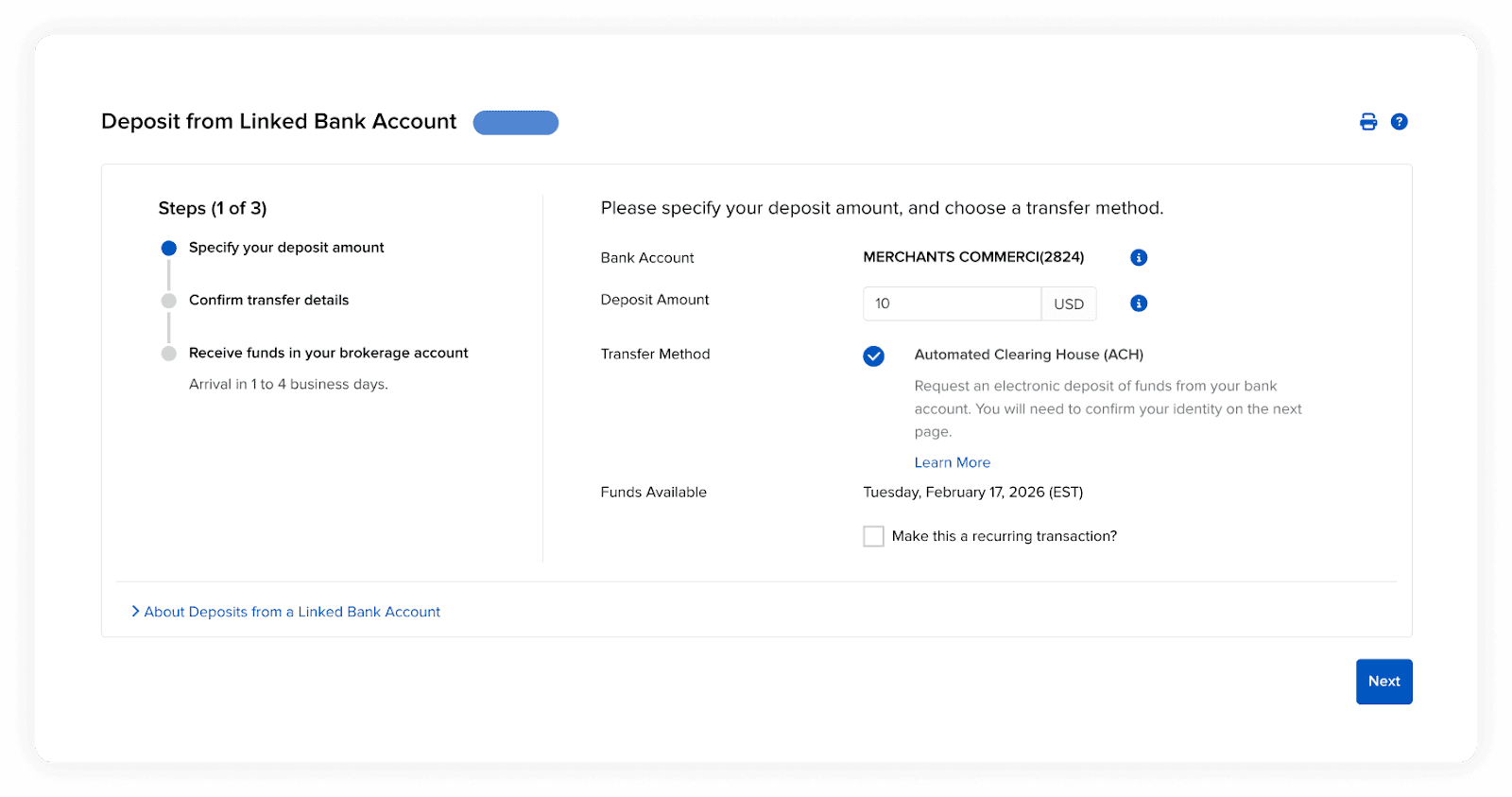
Click Next to review the details.
Click Finish to submit the deposit.
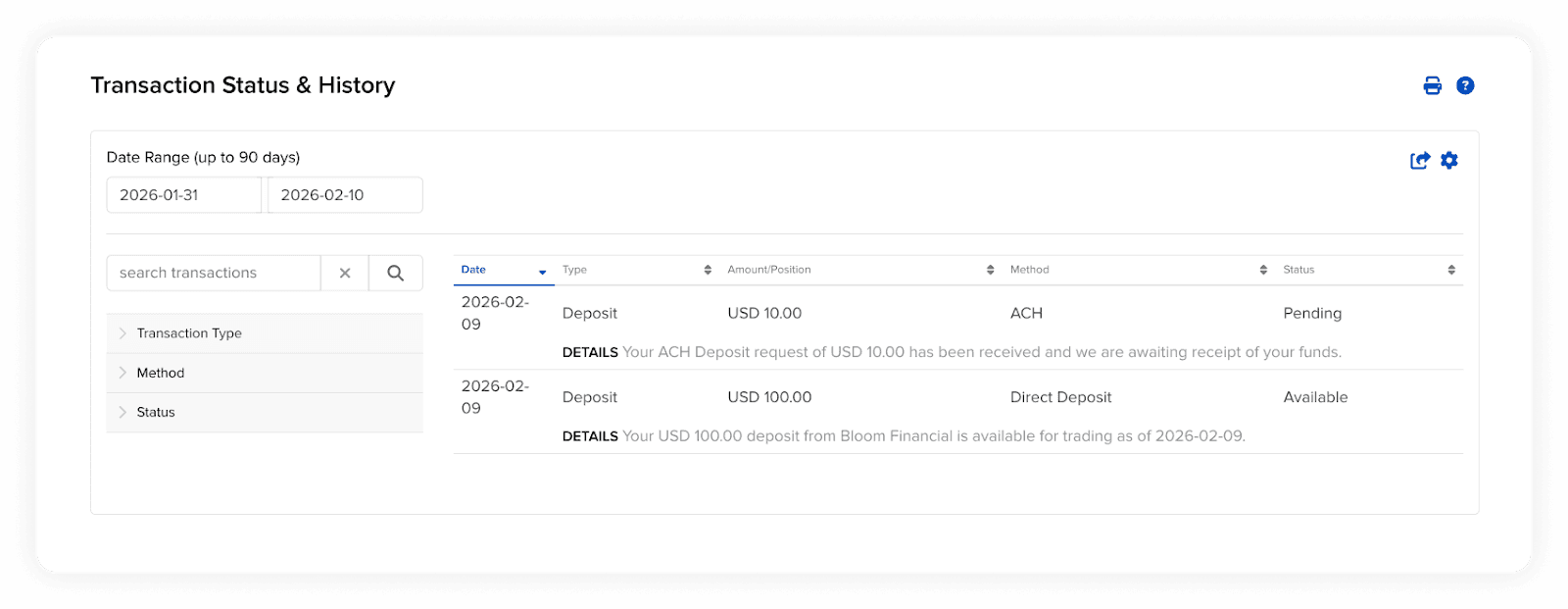
You can track your transfer under Transaction Status & History.
Your deposit will show as Pending until the funds clear. This may take anywhere from a few minutes up to 4 business days.
Once your funds settle, you’re ready to invest.
With your IBKR account funded, you gain access to U.S. and global markets. You can invest in individual companies or diversify through ETFs depending on your goals.
The connection between Elevate Pay and IBKR makes it simple to move your USD earnings into long-term investments.


Recent Articles







DO MORE WITH ELEVATE PAY
Transfer money with Elevate Pay with low fees and competitive FX rates. Our users love us for transparency, security and more.