







Why Send with Elevate Pay and NayaPay
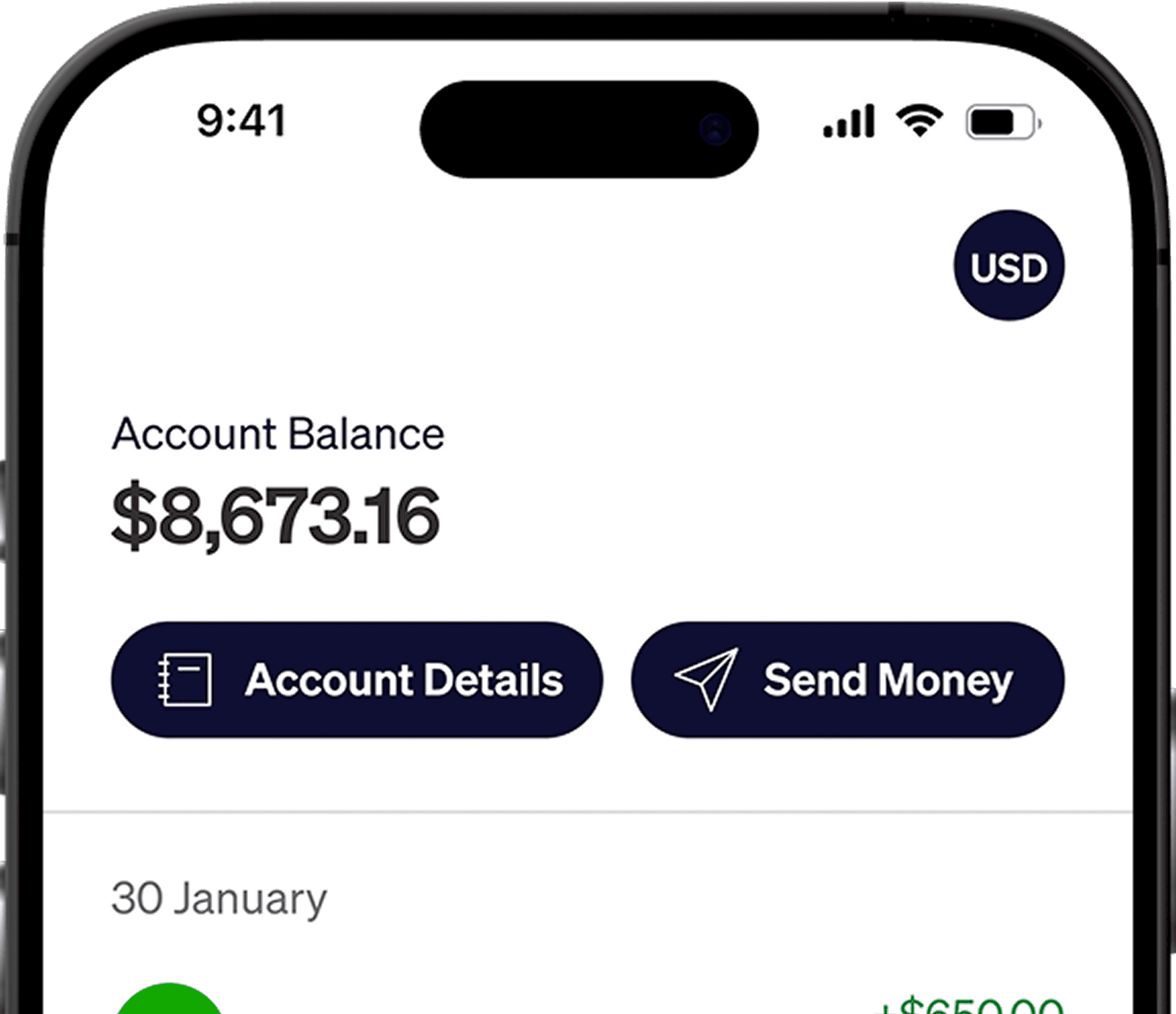
Built for NayaPay users who want a faster, more transparent way to move USD to PKR.





Send USD to Pakistan with Confidence






















Every Platform You Work With, Supported
















How to send money
to NayaPay

Step 1
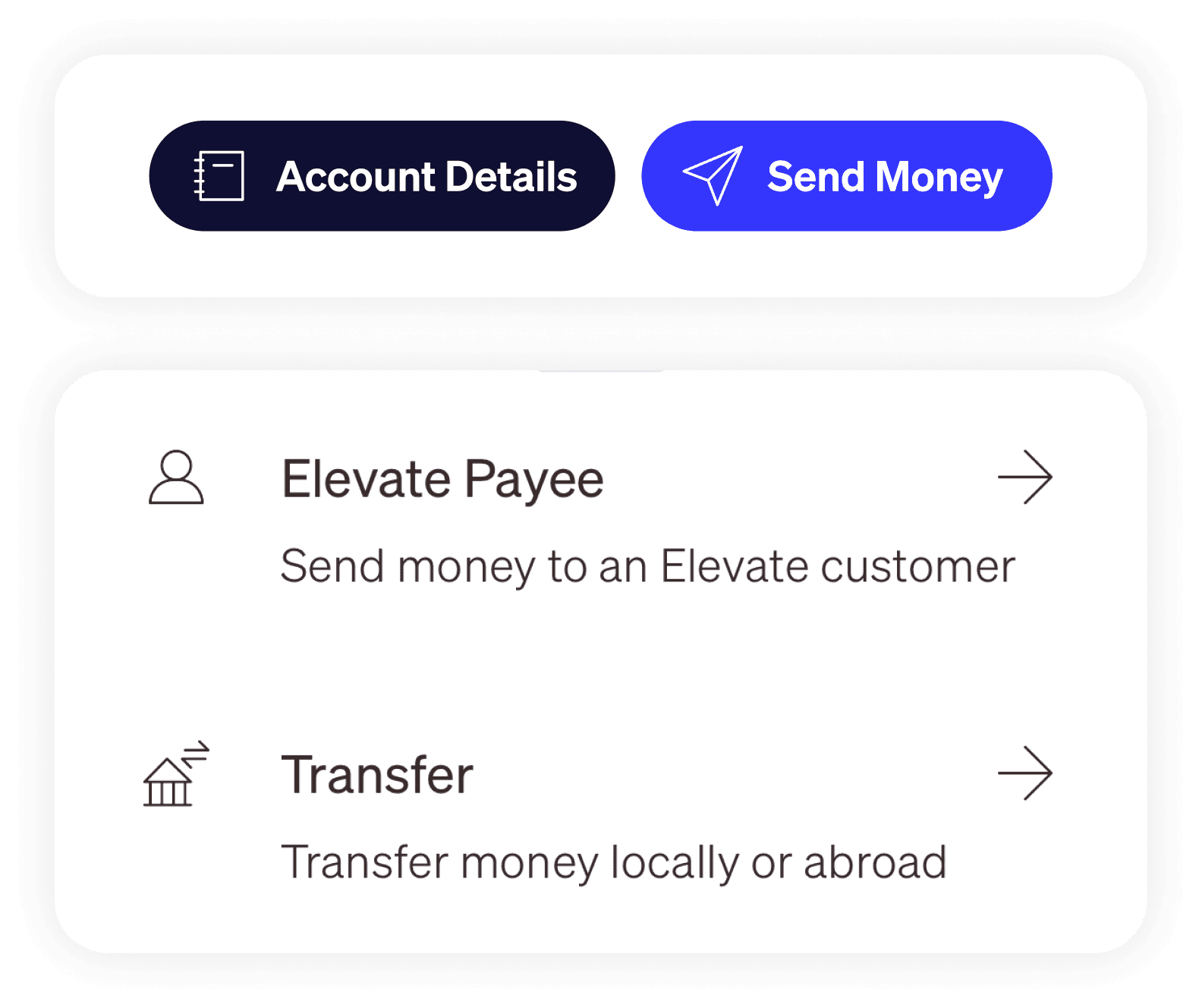
Sign in and Tap on “Send Money”
Sign in to the Elevate Pay app → tap Send Money → choose to transfer money locally or abroad.
Step 2
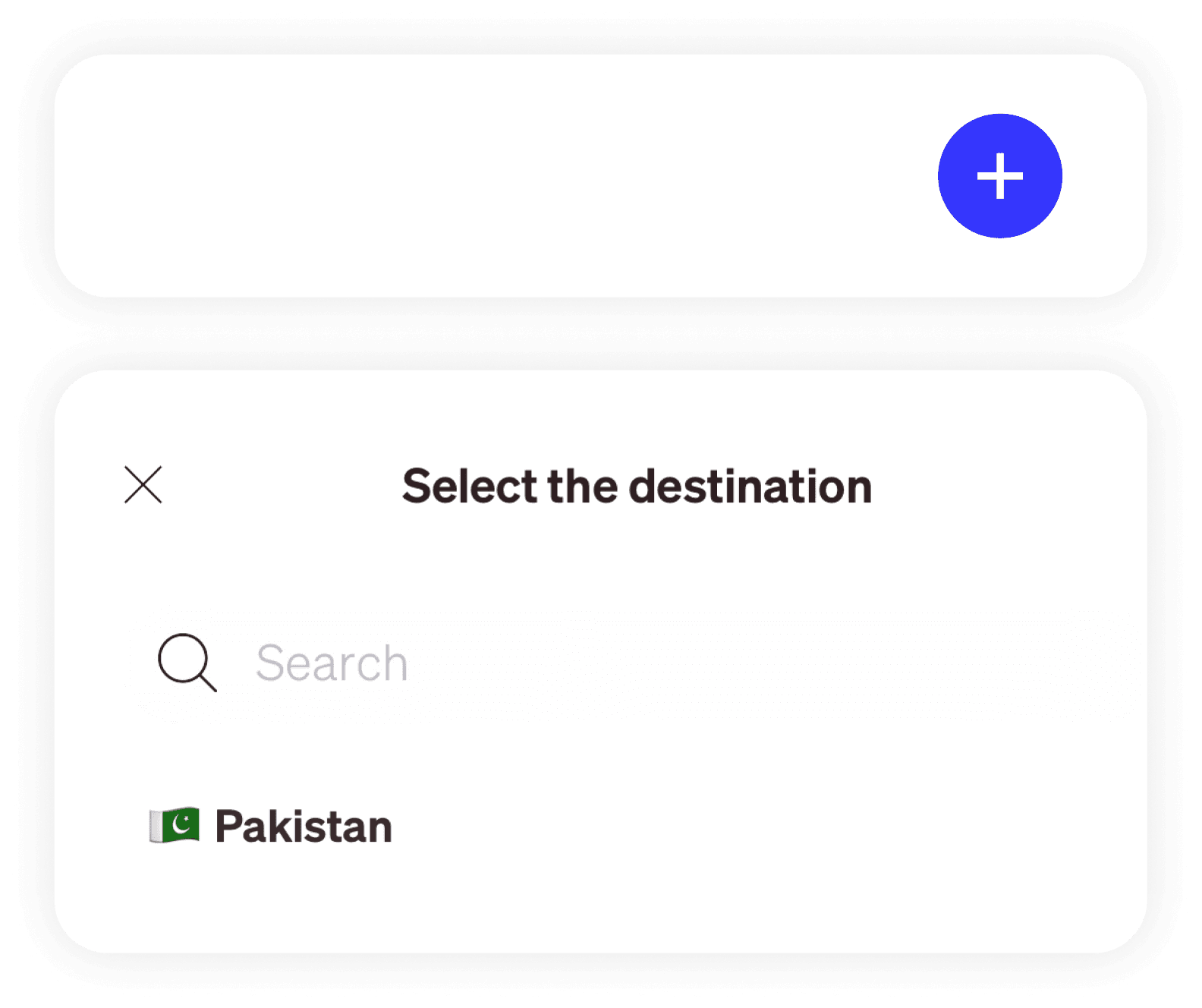
Tap “New” to Add Payee
Tap New (+) in the bottom right → select Pakistan from the country list
Step 3
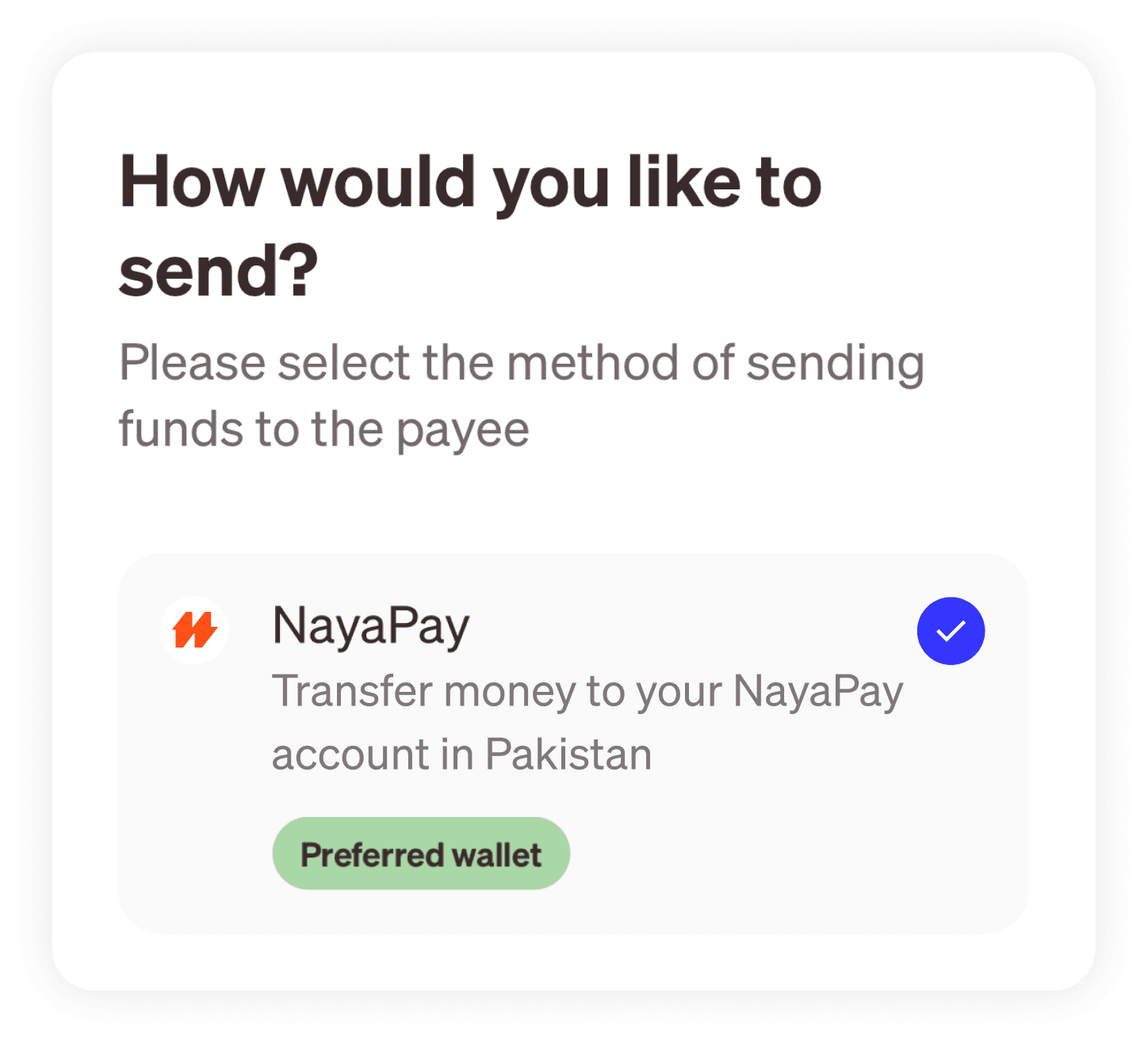
Select NayaPay
Select NayaPay from the available transfer options in your region
Step 4
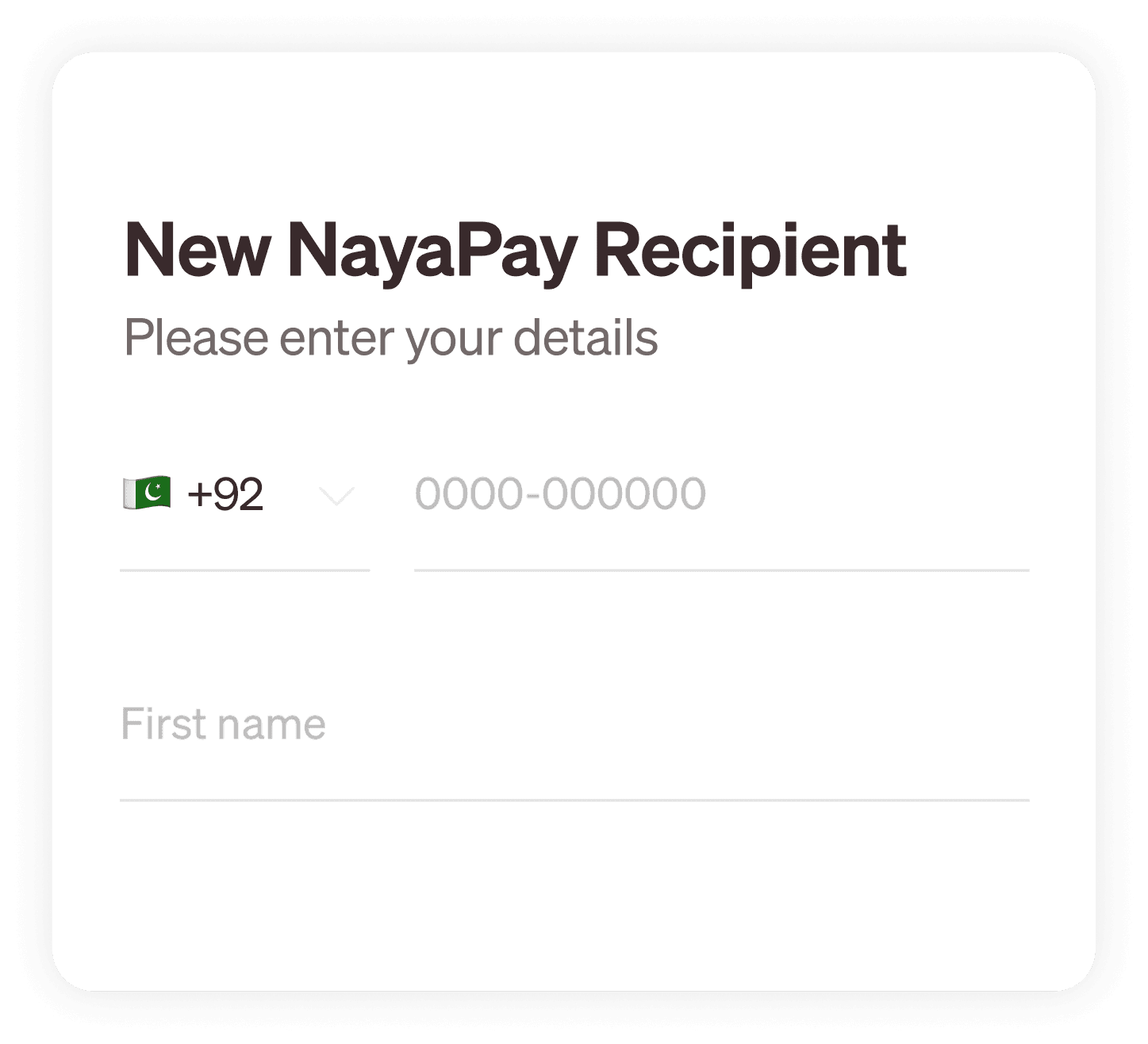
Add Account Details
Enter your NayaPay account information. Recipient's name must match with their official ID
Step 5
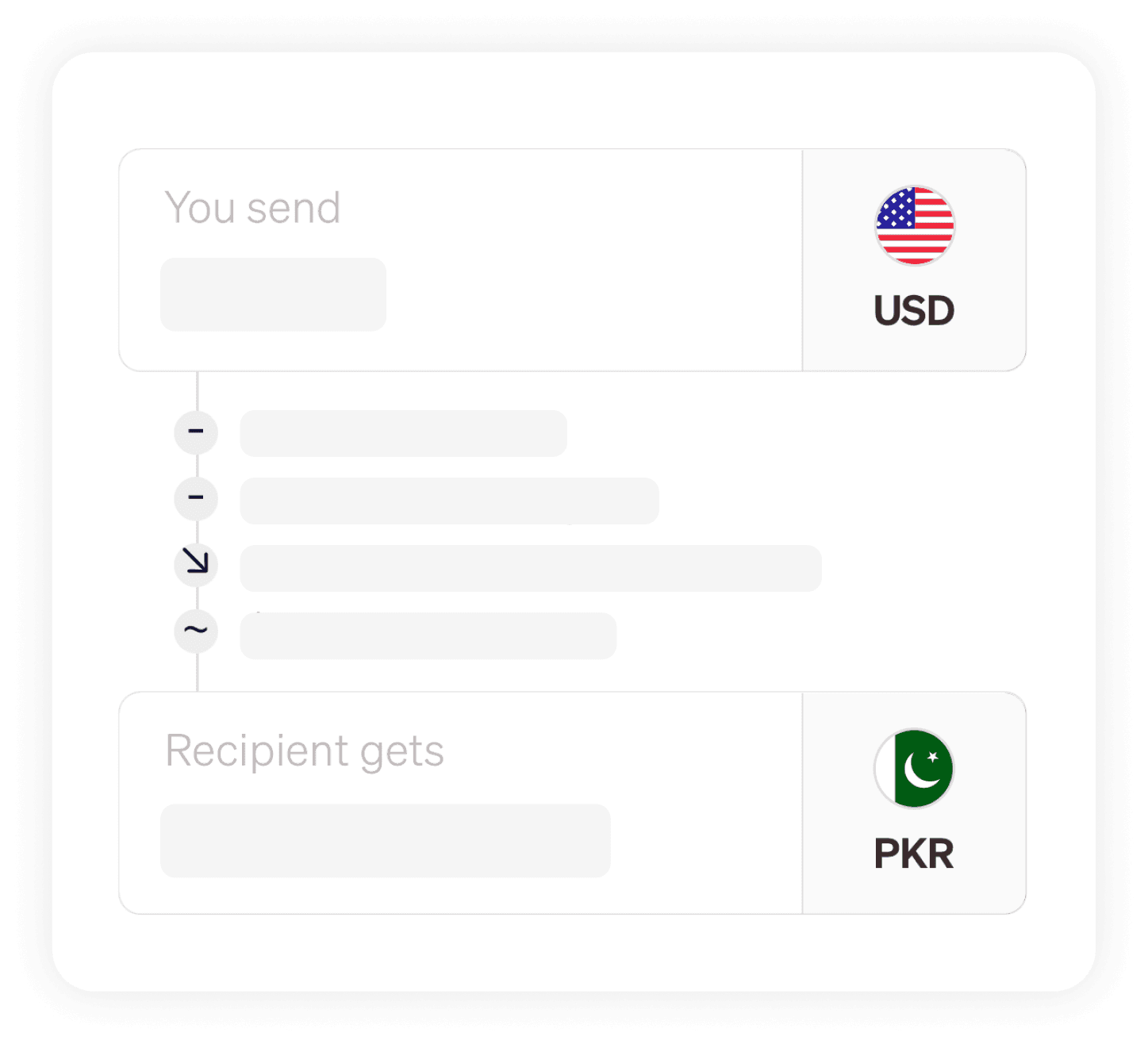
Send money with no fees
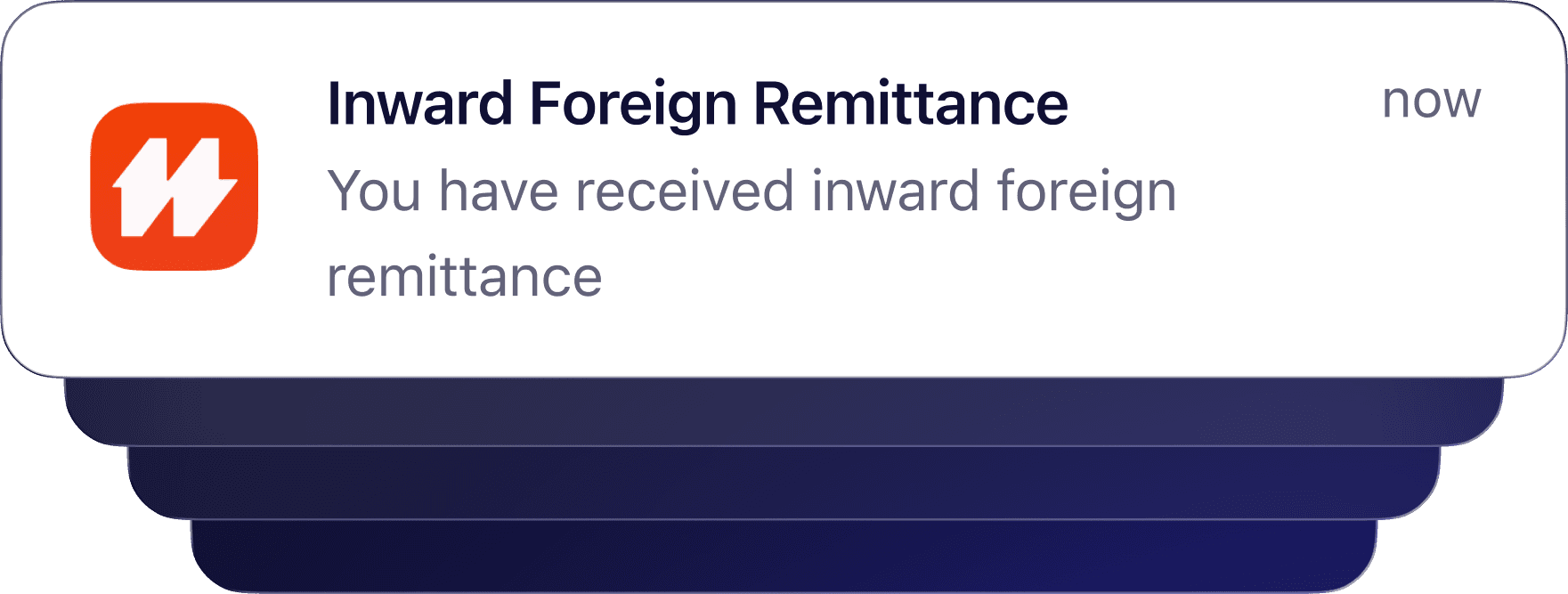
At last, enter your transfer amount and send → funds arrive instantly, zero fees.
Step 6
Receive funds in minutes
The PKR amount arrives in your NayaPay wallet within minutes, 24/7.
Frequently Asked Questions
Do I pay any fees to send USD to NayaPay?
No. During this campaign, you pay $0 in transfer fees when sending USD from your Elevate Pay USD account to NayaPay.
How fast will the PKR arrive in my NayaPay wallet?
Transfers are processed instantly, and PKR is delivered to the recipient’s NayaPay wallet within minutes.
Do I need an Elevate Pay account to send money to NayaPay?
Yes. You need an approved Elevate Pay USD account to send USD to NayaPay. Once approved, you receive full USD account details to start receiving and transferring funds.
Can I use my NayaPay statement for account approval?
Yes. NayaPay statements can be sumbitted as proof of address during the sign up process.
Will I receive a PRC for NayaPay transfers?
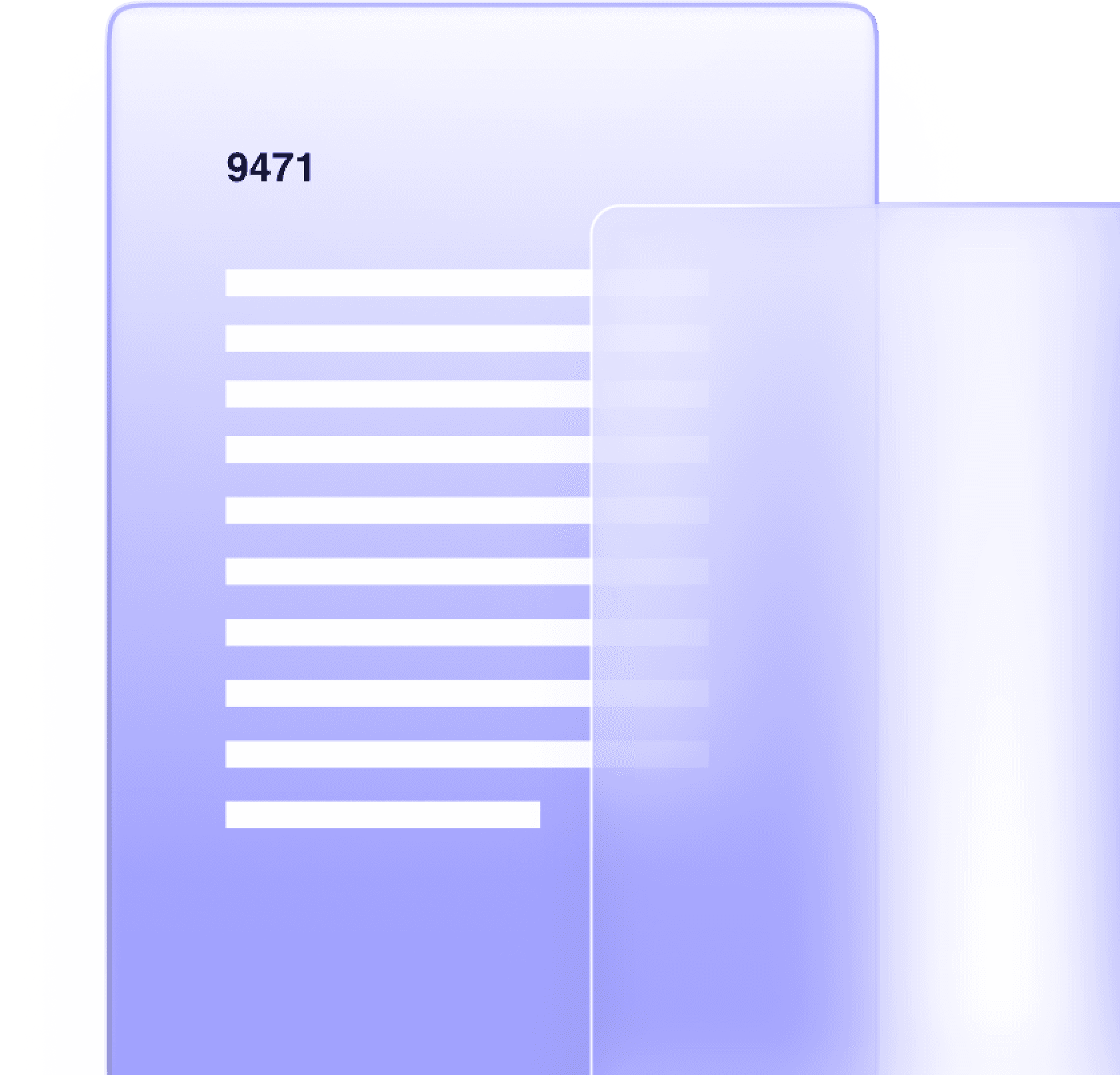
Yes. Each transfer to NayaPay generates a PRC for formal documentation in Pakistan. The purpose code depends on the flow you choose: Salary transfer flow: PRC is issued with purpose code 9186 Home remittance flow: PRC is issued with purpose code 9471
How do I get my PRC?
Email at prc@nayapay.com with the following details: 1. Amount 2. Transaction date 3. Remitting entity 4. Transaction ID / STAN number 5. NayaPay IBAN number
Trusted by professionals earning in USD across global platforms.

Open Your
USD Account Today
Open your USD account and send to Pakistan with zero transfer fees