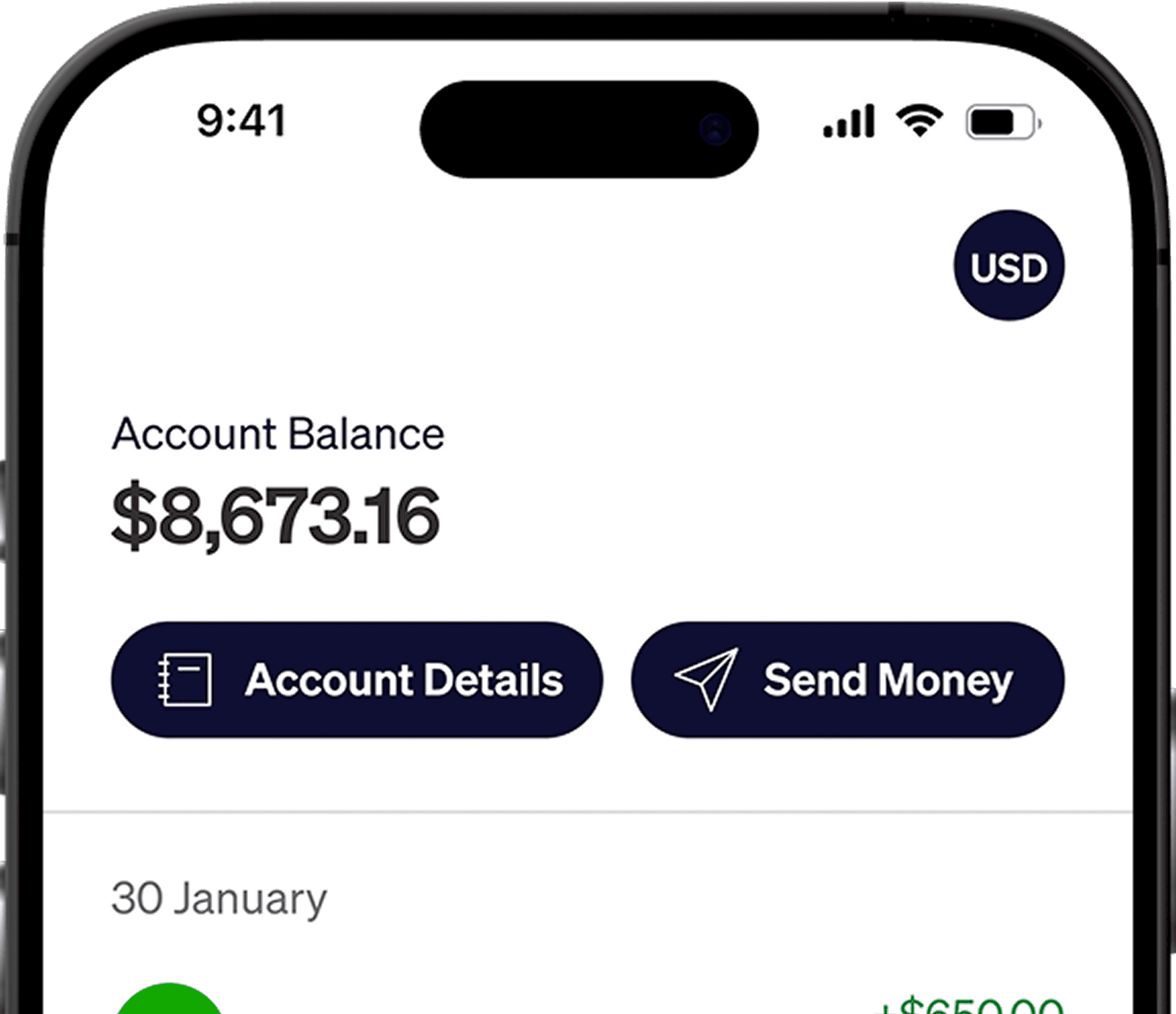




If you are paid through Deel, the withdrawal method you choose determines how your earnings are transferred, which fees may apply, and whether your money is converted before it reaches you. You can add your Elevate Pay USD account as a US bank account and receive eligible Deel payments in dollars.
How Does Deel Payment Work?
After an invoice or pay run is approved, Deel sends the available balance through the withdrawal method you selected. The route matters. A local payout usually converts your USD into your home currency, an international USD wire may pass through correspondent banks, and an eligible payment to your Elevate Pay account can be sent through ACH.
What Deel Withdrawal Methods Are Available?
Local bank transfer: Deel converts the payment into your local currency and sends it to your home bank account. The final amount depends on the conversion rate and any receiving-bank charges.
International USD transfer: You receive dollars in a foreign-currency account at a local bank, but SWIFT and correspondent-bank fees may be deducted before the payment arrives.
US bank transfer: You provide an ACH routing number and account number. Payments can then be sent to your USD account in dollars.
Deel Withdrawal Fees
Deel fees depend on the withdrawal route shown in your account. A cross-border USD transfer may include a small flat fee, while an international wire can lose an additional $15 to $50 to intermediary banks. Local payouts may look cheaper upfront but can include an exchange-rate margin that reduces the final amount you receive.
Before confirming a withdrawal, compare the displayed fee, the currency you will receive, the exchange rate, and the estimated arrival amount. The lowest visible fee does not always produce the highest final payout.
How Long Does a Deel Withdrawal Take?
Deel shows an estimated arrival time before you confirm a withdrawal. The actual timing can depend on invoice approval, the selected payment method, weekends, bank holidays, intermediary banks, and the receiving bank. ACH transfers generally avoid the additional processing involved in an international wire.
Should You Receive Deel Earnings in USD or Local Currency?
Receiving local currency is convenient when you need to spend the money immediately. Receiving USD gives you more control. Your earnings stay in dollars until you choose to convert them, and you can review the final local amount before confirming a transfer with us.
What You Need to Receive Deel Payments With Elevate Pay
Open the Elevate Pay app and copy these USD account details:
Your account number
Your ACH routing number
The account holder name shown in Elevate Pay
Make sure the account holder name matches your Deel profile. A name mismatch can delay or return a payment.
How to Add Elevate Pay to Deel
Sign in to Deel and open the section where you manage withdrawal methods.
Choose the option to add a bank account.
Enter the ACH routing number and account number exactly as shown in the Elevate Pay app.
Review the account holder name and save the withdrawal method.
Select Elevate Pay for future withdrawals when you want payments sent there.
Once the method is active, your next withdrawal can arrive in your USD account.
Common Deel Withdrawal Issues
Name mismatch: The name on Deel does not match the account holder name shown in the app.
Incorrect routing or account number: One digit is missing or entered in the wrong field.
Wire selected instead of bank transfer: The payment is sent through SWIFT and may incur additional fees.
Payment still pending: The invoice, pay run, or withdrawal may still be awaiting approval or processing.
Frequently Asked Questions
How does Deel payment work?
Deel releases an approved balance through the withdrawal method you select. That method determines the payment rail, receiving currency, fees, and estimated arrival time.
What are Deel's withdrawal methods?
Available methods vary by account and country. Common routes include a local bank transfer, an international USD transfer, and a transfer to US bank details.
Does Deel charge withdrawal fees?
Some withdrawal methods include a Deel fee. International wires can also incur correspondent-bank deductions, while local-currency payouts may include an exchange-rate margin.
Can Deel pay into a US bank account?
Yes. You can add US account details as a bank-transfer withdrawal method. We give you an ACH routing number and account number for receiving USD payments.
Does Deel use ACH?
Deel can send the transfer to us through ACH when it offers a US bank-transfer option. Enter the details exactly as shown in the Elevate Pay app.
How long does a Deel withdrawal take?
The estimate depends on the selected method and is shown before confirmation. Weekends, holidays, approvals, and bank processing can affect the final arrival time.
Related Elevate Pay Guides
Receive Your Deel Earnings in USD
Open your Elevate Pay USD account, add the details to Deel, and review the fee and arrival amount before confirming your next withdrawal.


Recent Articles




DO MORE WITH ELEVATE PAY
Transfer money with Elevate Pay with low fees and competitive FX rates. Our users love us for transparency, security and more.