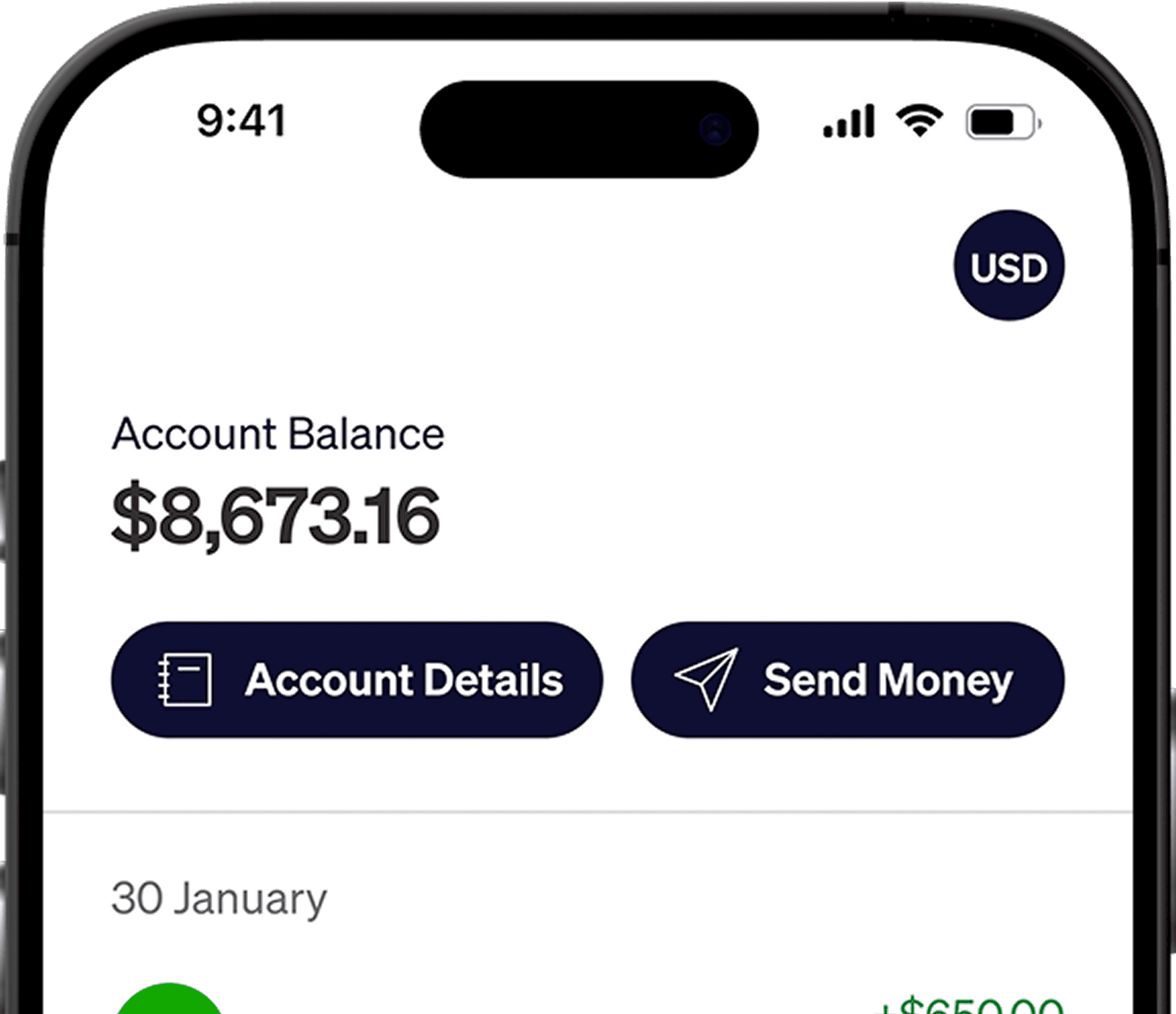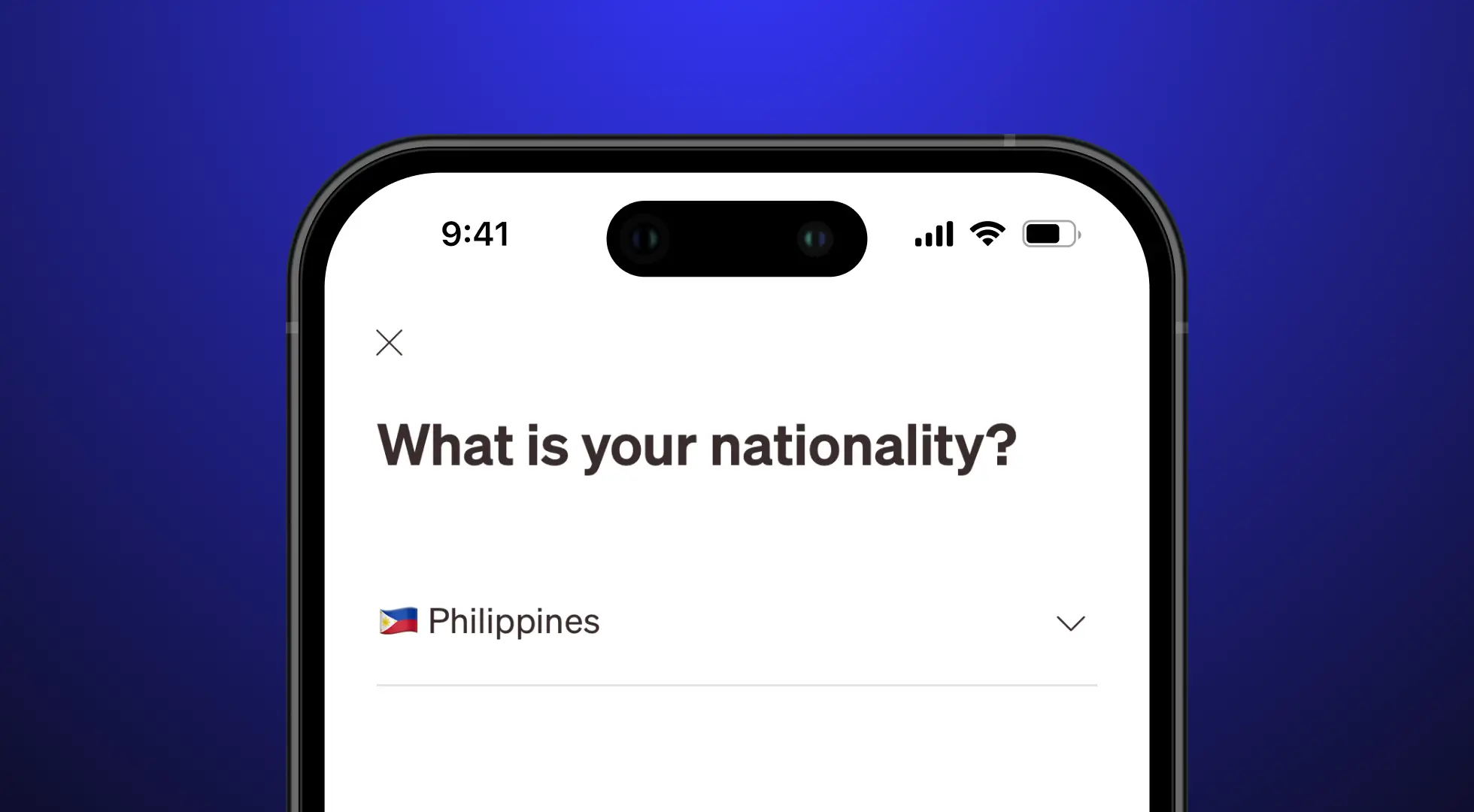





Hello Philippines! Getting paid in USD as a freelancer or remote worker shouldn't be the hardest part of your job. Elevate Pay is officially live in the Philippines, meaning where you live no longer limits how you get paid. You can now access the exact same financial tools as your clients and peers abroad.
A country with over 1.5 million freelancers, the Philippines will always need a better solution for seamless transfers. Filipino freelancers have been paying high conversion rates, FX rates, and service fees for receiving their hard-earned money and it was about time someone solved this problem. Elevate Pay is the solution you have been looking for all this time.
Here is a quick guide on how to get started.
How to open your account
Setting up your Elevate Pay account is simple and only takes a few minutes on your phone. Follow these steps to get started:
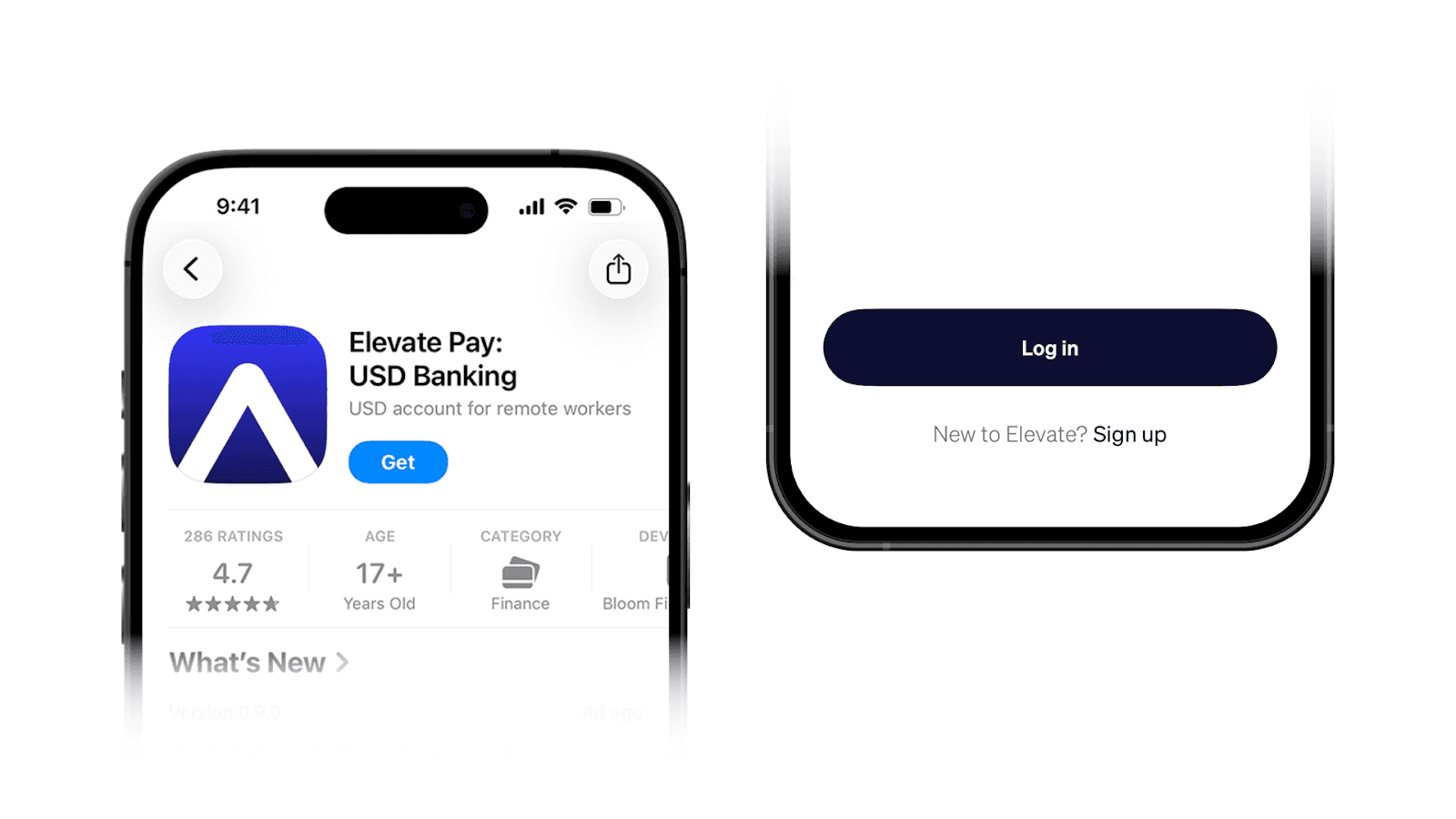
Download the app and sign up:
Find "Elevate Pay" on the Apple App Store or Google Play Store and install it. Tap Sign Up and choose a Personal Account. Next, enter and verify your email address to continue.
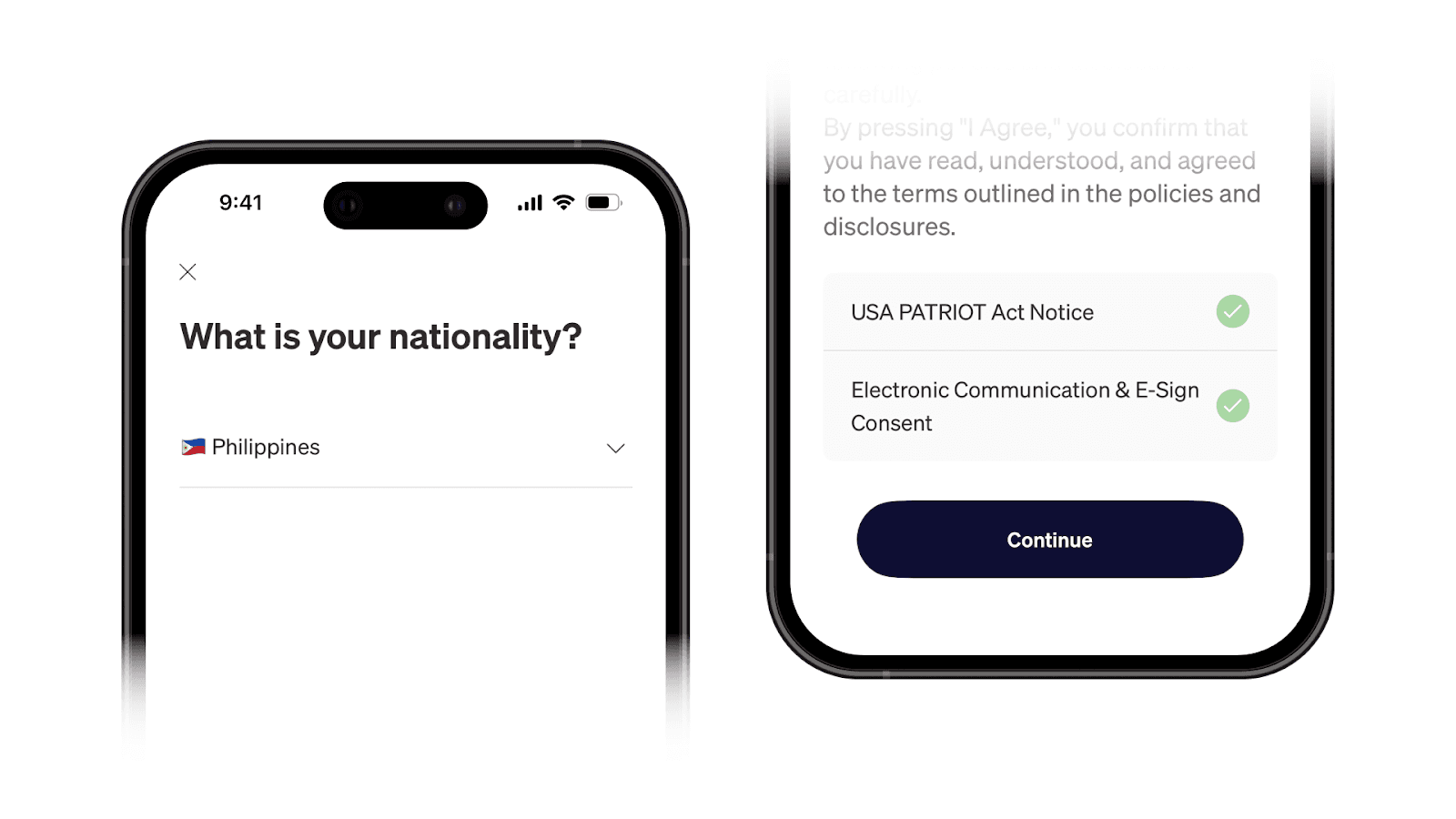
Fill in your information:
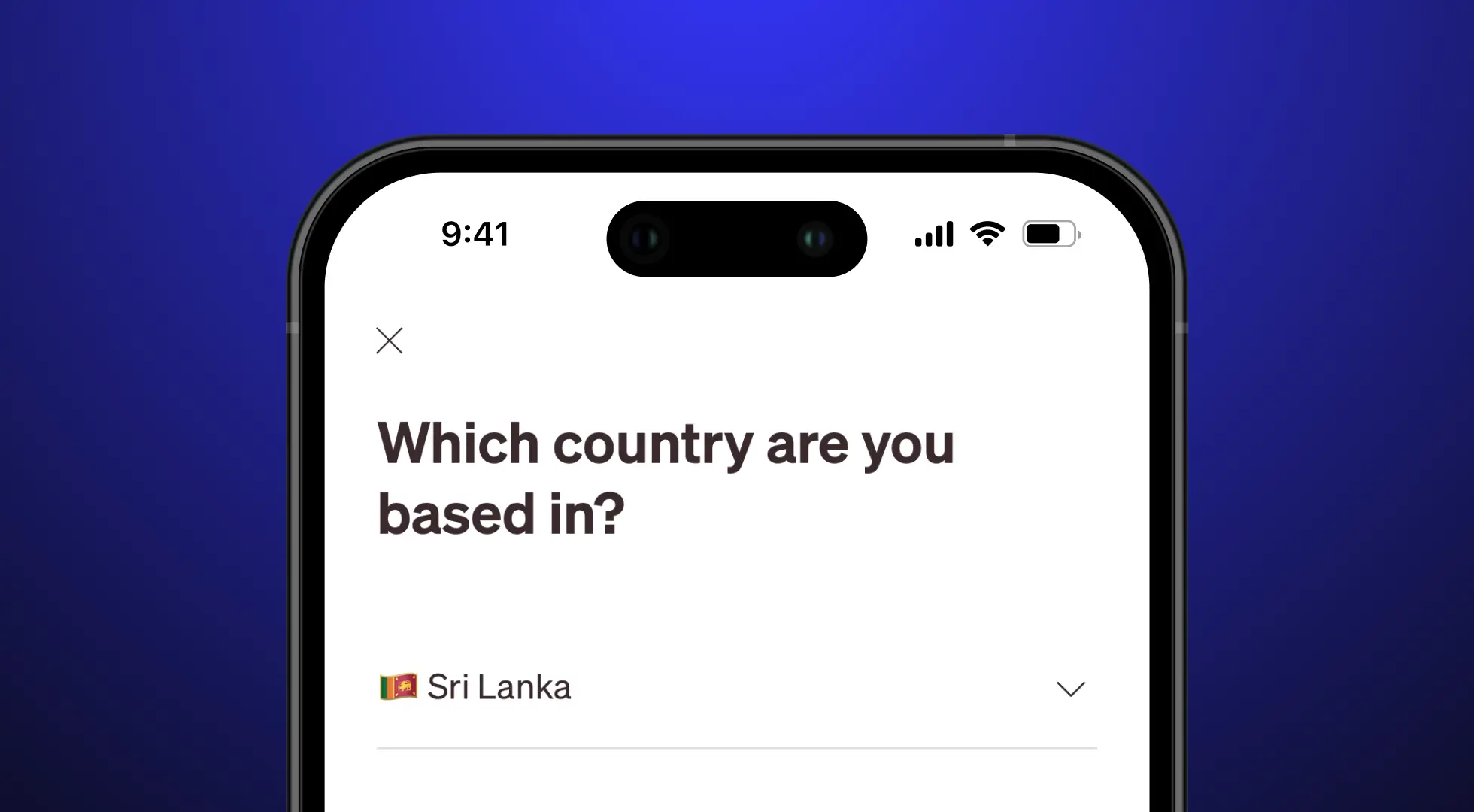
Select Philippines as your country and proceed to fill in your personal information. Set your password, date of birth, review and agree to the terms and conditions.
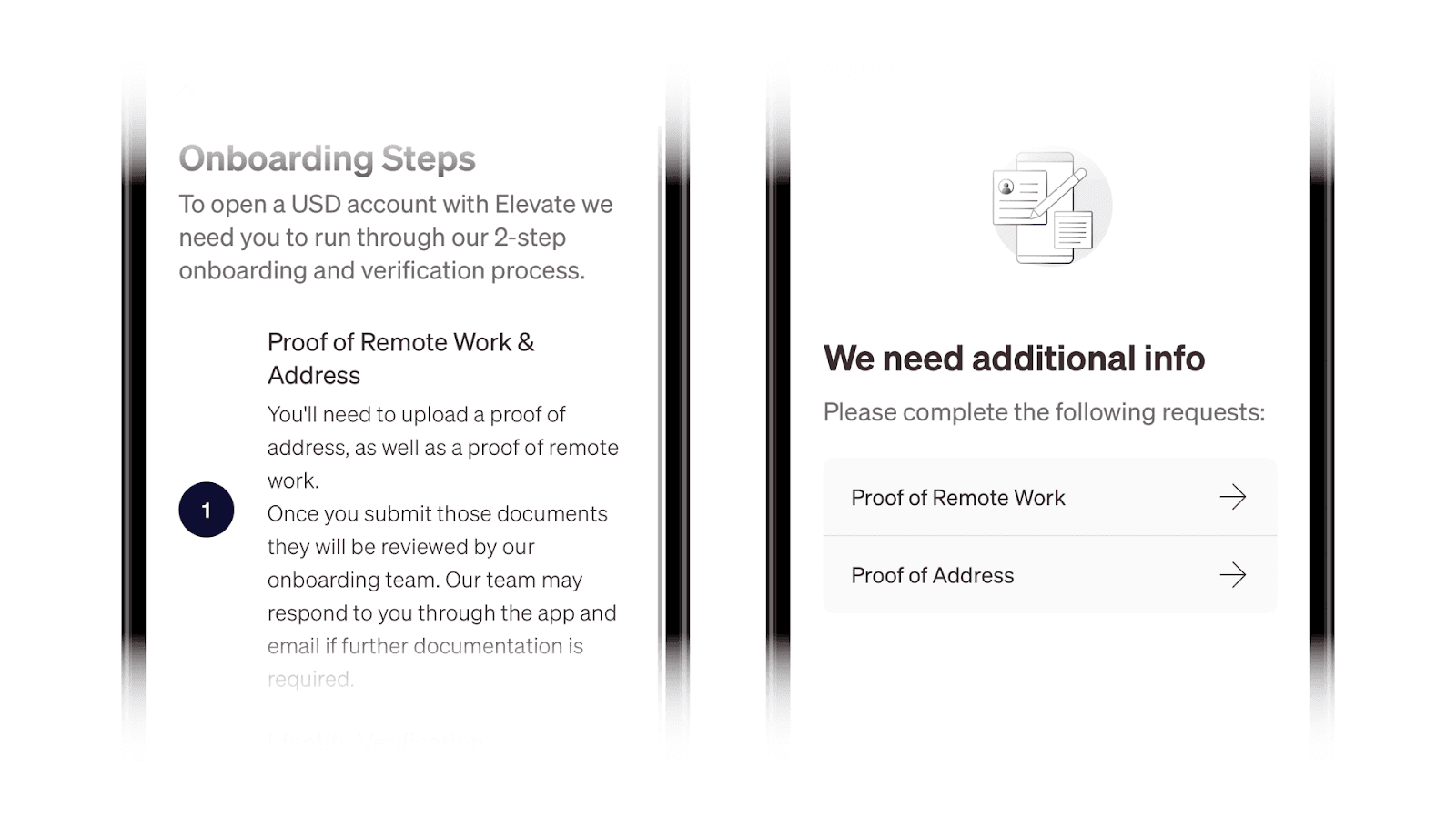
Proof of remote work:
Elevate Pay is designed for freelancers and the remote work community. To get started, you’ll need to provide proof of income. This can include a client contract, an invoice, or a transaction report from platforms such as Upwork, Deel, Toptal, or Fiverr.
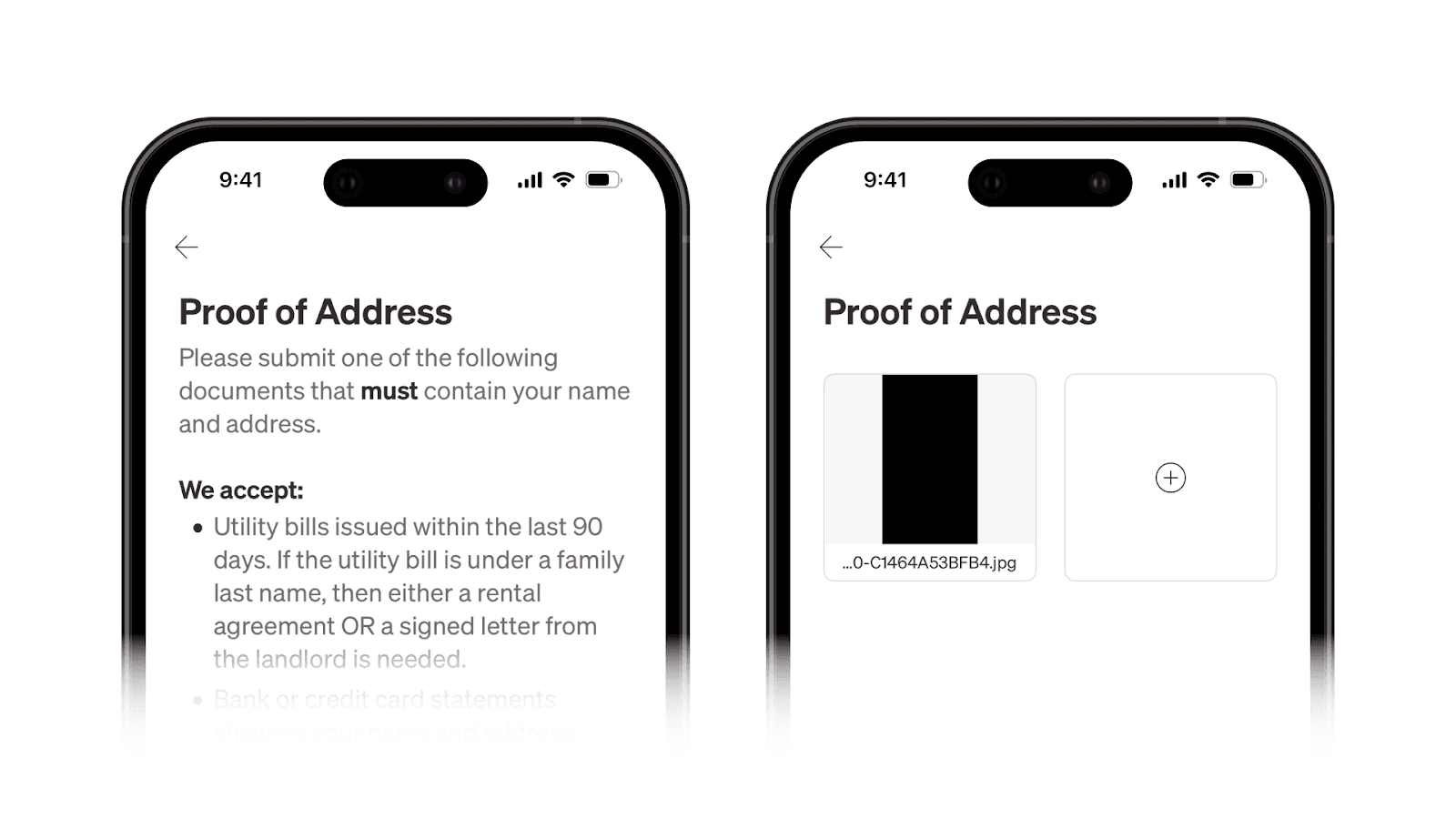
Proof of address:
Upload a document to verify your residence. This can be a Bank Statement or a Utility Bill under your name issued within the last 90 days. Ensure your name and address are clearly visible, and avoid using screenshots; uploading the PDF file is the best way to ensure quick approval.
Our team usually reviews and approves accounts within 72 hours. You would receive an email if there are any issues with your documents or any actions are necessary.
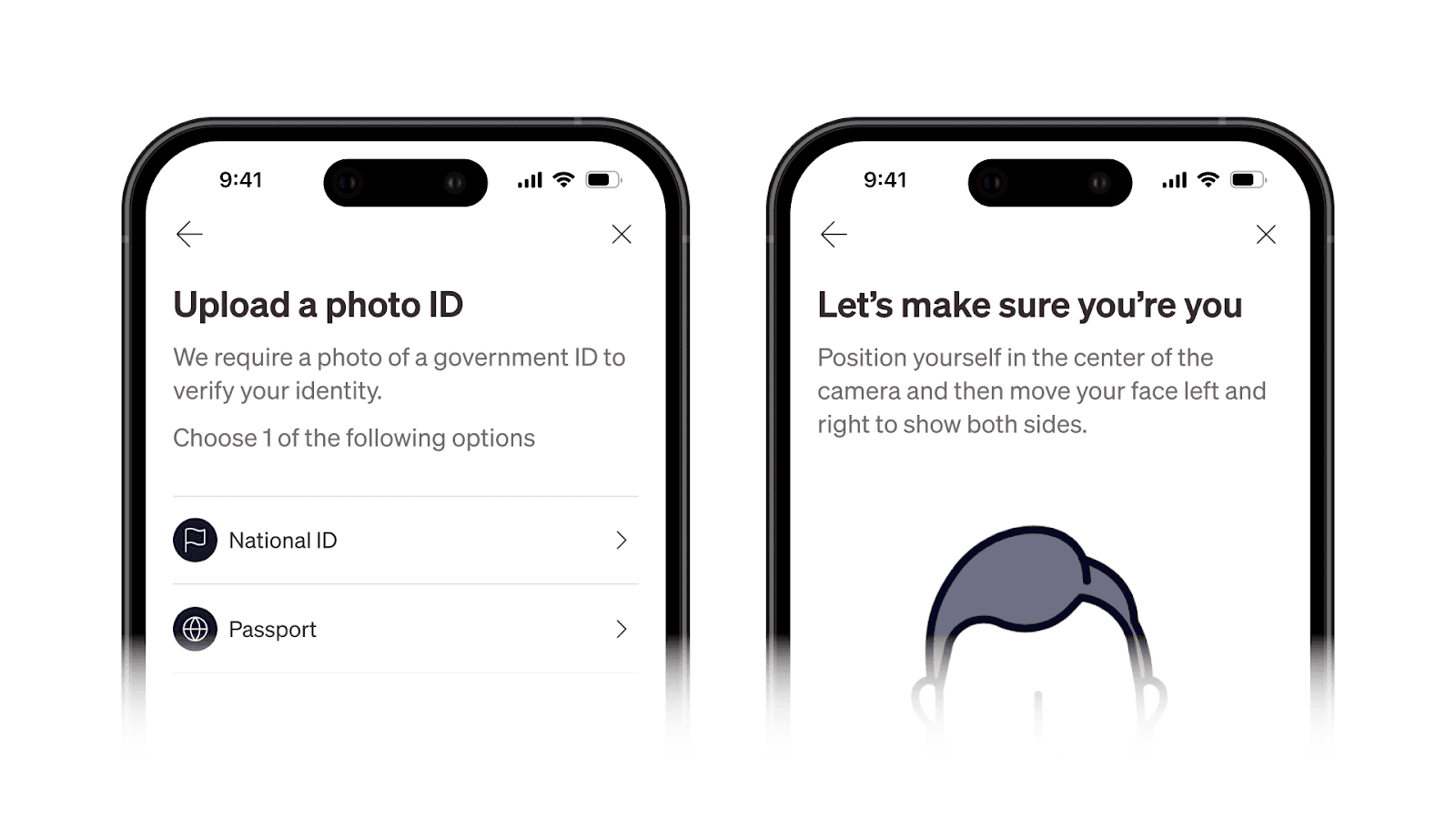
Verify your identity:
After the documents verification, the final step is to verify your identity. You can use your Passport or National Identity Card. You will also be asked to take a quick selfie to complete the process.
Start receiving USD:
Once identity verification is completed, you can start receiving USD from marketplaces like Upwork and Fiverr, or directly from your US clients.
What you can do with your Elevate Pay account
Once your account is approved, you are ready to experience borderless banking. Here is what you can do with your new account:
Receive direct deposits:
Get paid via ACH by your US clients or freelancing platforms like Upwork, Fiverr, Toptal, and Deel, just like a local US worker.
Send money to your local bank:
Transfer funds to your Philippines bank account using transparent, fair exchange rates for a simple flat fee of $1.50 for transfers up to $5,000.
Spend online in USD (Coming soon):
Use your virtual debit card to pay for tools, ads, and online subscriptions directly in USD.
Need help? Our support team is available 24/7.
Email us at help@elevatepay.co for any assistance.


Recent Articles


DO MORE WITH ELEVATE PAY
Transfer money with Elevate Pay with low fees and competitive FX rates. Our users love us for transparency, security and more.