




Send money with Flex Transfer on Elevate Pay and earn rewards when your transfer doesn't need to be processed instantly.
A new transfer flow that lets you earn rewards when your transfer does not need to be processed immediately.
By choosing Flex, you allow the transfer to be processed later, and we pass that value back to you as a reward. You earn a small reward when choosing Flex Transfer.
Why We Built Flex Transfer
At Elevate Pay, our mission is to make international transfers simpler, faster, and more rewarding.
Most transfers need to be processed immediately. But sometimes your transfer is not urgent. Flex Transfer gives you the option to wait a little longer and earn a small reward in return.
Now you can choose the processing speed that works best for you.
Instant vs. Flex: What's the Difference?
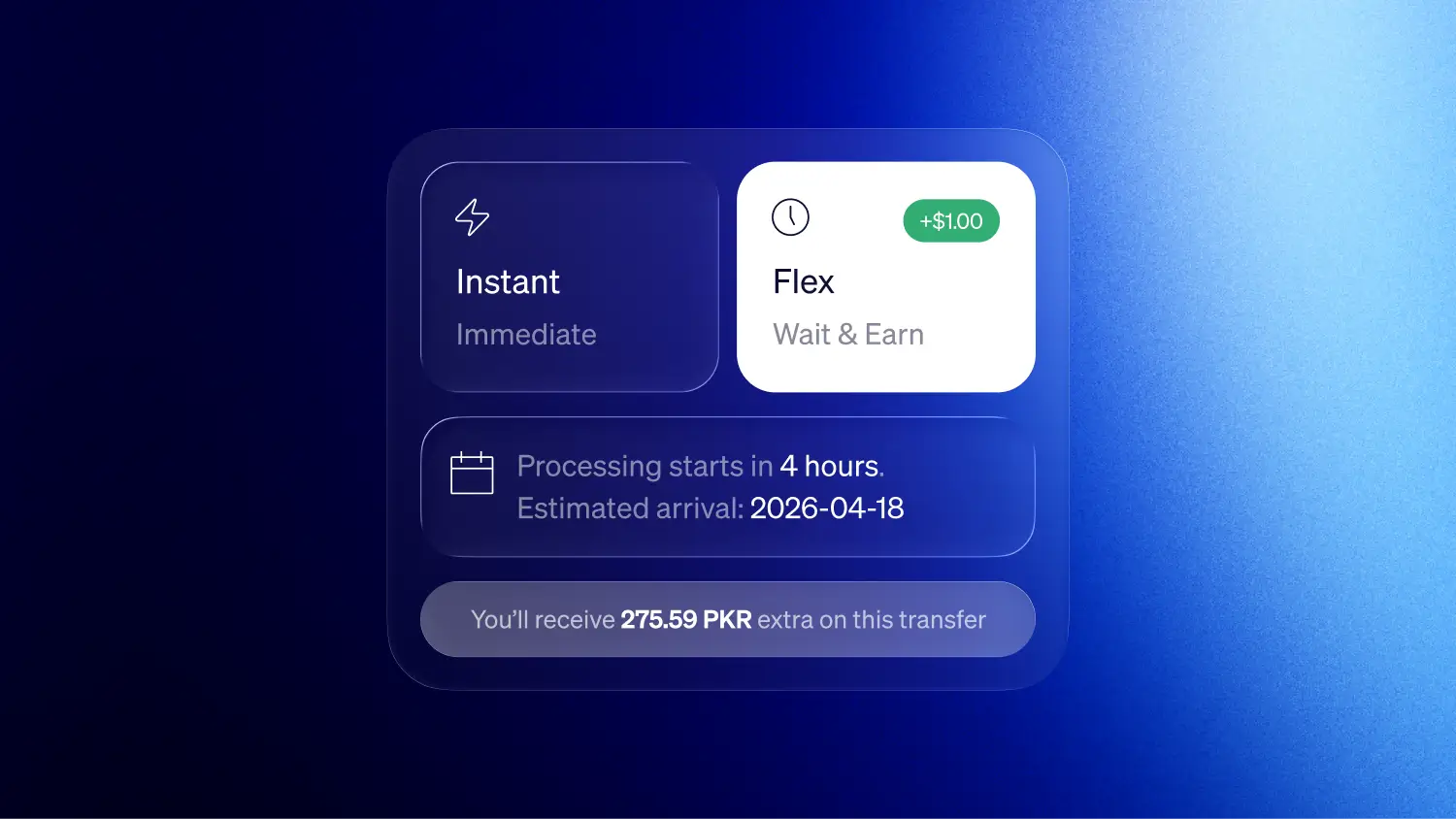
When sending money, you will now see two processing options.
Instant
Your transfer is processed by Elevate Pay immediately. This is our default and regular transfer flow that all of you are familiar with already.
Flex
Your transfer is processed later instead of instantly. You will see when the transfer will be processed upfront, and see the reward applied to your total take home.
The exact arrival time still depends on the receiving bank and other normal processing factors. The difference between Instant and Flex simply determines when Elevate Pay initiates the transfer.
Example
Until now, whenever you initiated a local bank transfer in Pakistan, it was typically processed immediately. Once processing was complete, the receiving bank usually credited the funds almost instantly, often within a minute.
With the Flex transfer flow, the main difference is when your transfer is processed. Flex schedules your transfer for a later processing time instead of processing it immediately. After the transfer is processed, Pakistani banks usually credit the funds almost instantly.
If you choose the Flex transfer flow, your transfer is scheduled to be processed at 7:00 PM Pakistan Time on the next business day, Monday to Friday.
For example, if you initiate a bank transfer on Monday at 2:00 PM Pakistan Time, it will be processed at 7:00 PM Pakistan Time the same day. Once processing is complete, the funds may arrive in the receiving bank account within a minute.
If you initiate a bank transfer on Friday at 8:00 PM Pakistan Time, it will be processed at 7:00 PM Pakistan Time the following Monday, since Flex transfers are processed on business days. Once processing is complete, the funds may arrive in the receiving bank account within a minute, depending on the bank.
In short, Flex does not usually change how quickly Pakistani banks credit the funds after processing. It changes when the transfer is processed.
Processing Time vs. Arrival Time
When sending money, it is helpful to understand the difference between processing time and arrival time.
Processing time refers to when Elevate Pay executes the transfer from our system.
Arrival time is the estimated time when the receiving bank credits the funds to the recipient's account.
Choosing Flex Transfer changes when your transfer is processed.
Instead of being processed immediately, your transfer is scheduled for the earliest available Flex processing time. You’ll always see this processing time upfront before you confirm the transfer.
However, the arrival time depends largely on the receiving bank and their internal processing schedules. Because of this, the exact delivery time may vary.
In short:
Processing time: When Elevate Pay executes the transfer
Arrival time: When the receiving bank credits the funds to the recipient's account
While processing time can influence arrival time, the final delivery depends primarily on the receiving bank.
Earn Rewards with Flex Transfer
When you choose Flex Transfer, you earn a small reward.
This reward is a cashback credited upfront from Elevate Pay, not interest.
The reward is added directly with the principal amount upfront, meaning you’ll receive the principal and the reward in the same transaction.
If you send via the home remittance flow, your Flex reward stacks on top of the existing $2 home remittance reward:
Note: If you send via the salary flow, only the Flex reward applies but the home remittance reward does not. On a $5,000 salary transfer with Flex, you earn $5.00.
When Should You Use Flex Transfer?
Flex Transfer works best for non-urgent transfers where immediate processing is not necessary.
For example, you might choose Flex when you are:
Sending money home as part of your regular monthly support
Moving funds to your own local bank account
Topping up a mobile wallet for future spending
Sending money to family ahead of time for upcoming expenses
In situations like these, the transfer does not need to be processed immediately. By choosing Flex, you can schedule the transfer for later processing and earn a small reward in return.
Flex Transfer gives you more control over how you send money. Use Instant when timing matters. Choose Flex when your transfer is not urgent and earn a little extra along the way.
How to Use Flex Transfer
Flex Transfer is built directly into your normal transfer flow.
1. Choose your recipient
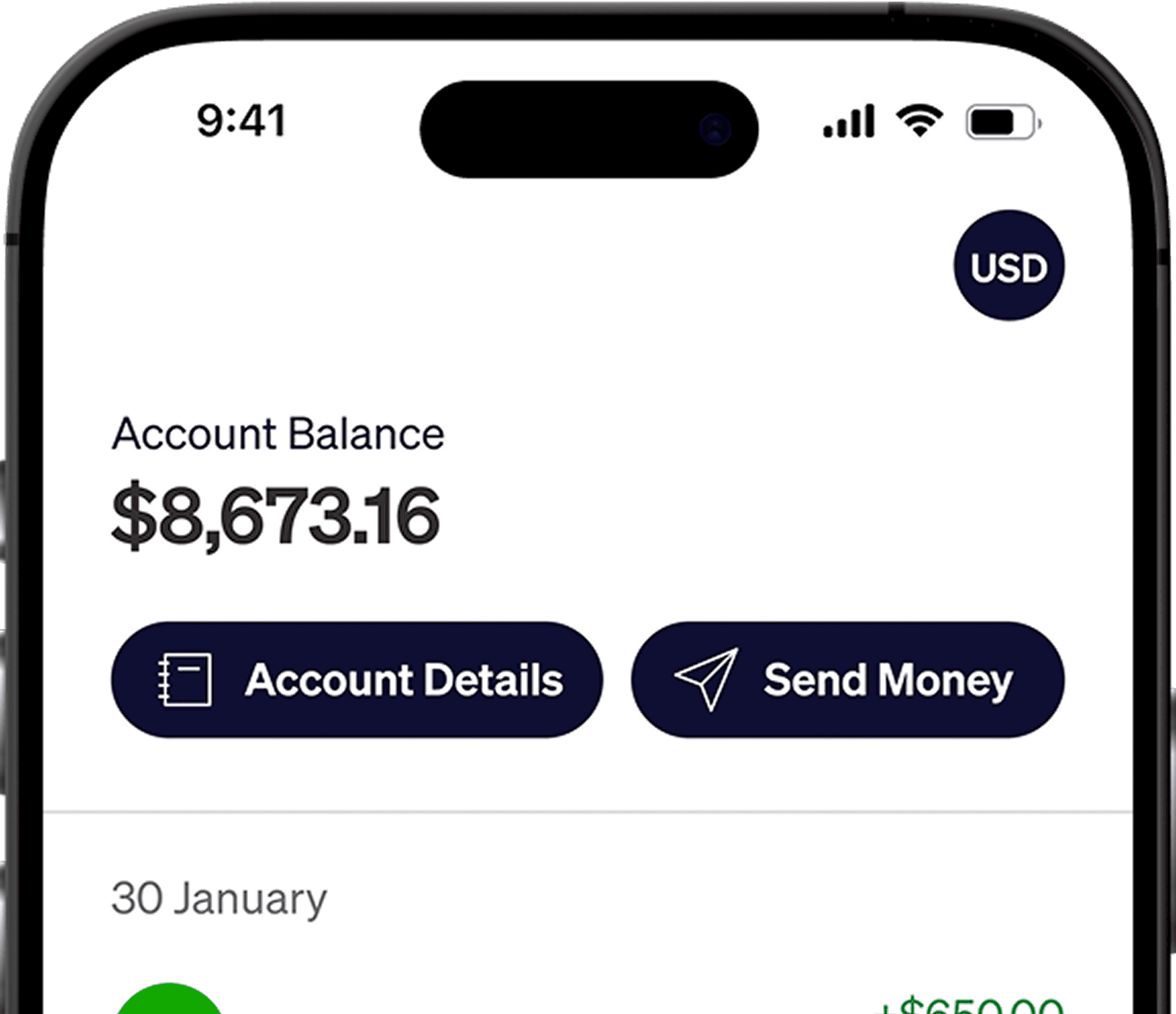
Open the Elevate Pay app and tap Send Money from the home screen.
Select Transfer, then choose your recipient from your saved banks.
2. Enter your amount and choose Flex
Enter the USD amount you want to send.
In the Delivery speed section, select Flex instead of Instant.
Your reward will be automatically calculated and added to the final amount your recipient receives.
3. Review and confirm
Tap the arrow to go to the review screen.
Check your transfer details and tap Confirm.
Your transfer will be scheduled, and your recipient will receive the extra reward amount automatically.
Available in Pakistan
Flex Transfer is now available for users sending money within Pakistan.
You can use it when sending money to local bank accounts.
If you have any questions or run into an issue with a specific transfer, please reach out to help@elevatepay.co
If your transfer is not urgent, Flex Transfer is a simple way to earn a little extra while sending money as usual. Try it the next time you send money and let us know how it works for you in our Elevate Pay Users — Pakistan community group.


Recent Articles


DO MORE WITH ELEVATE PAY
Transfer money with Elevate Pay with low fees and competitive FX rates. Our users love us for transparency, security and more.